AI study app for university, medical and research students
Read it.
Type it.
Remember it.
Turn any topic, your lecture notes or a whole course book into lessons you read and type, spaced-repetition flashcards, quizzes and a graded exam.
7 days free. No card needed. Then from $5 a month.
Just want flashcards? Try the free AI flashcard generator, no signup.
The real app, not a mock-up
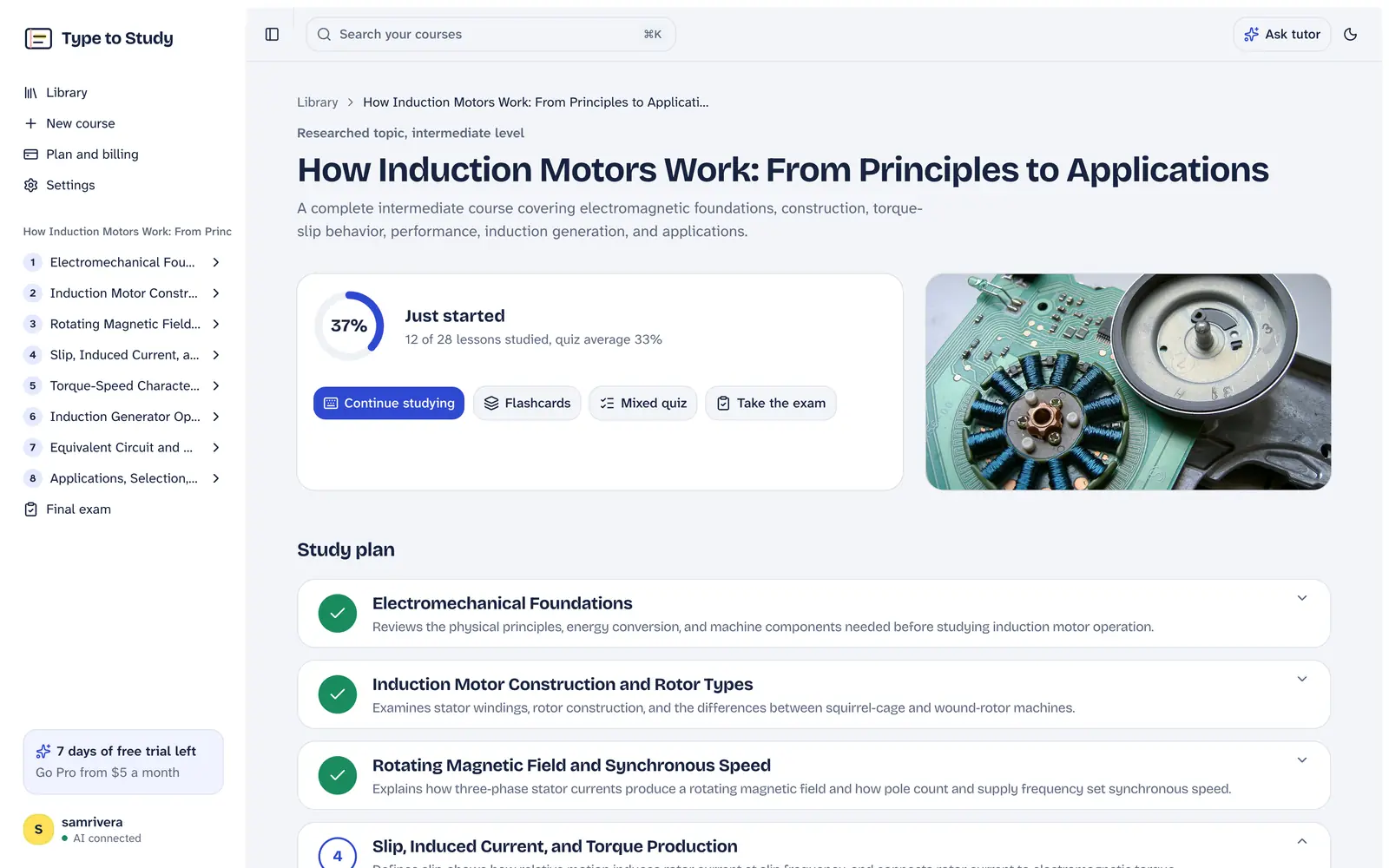
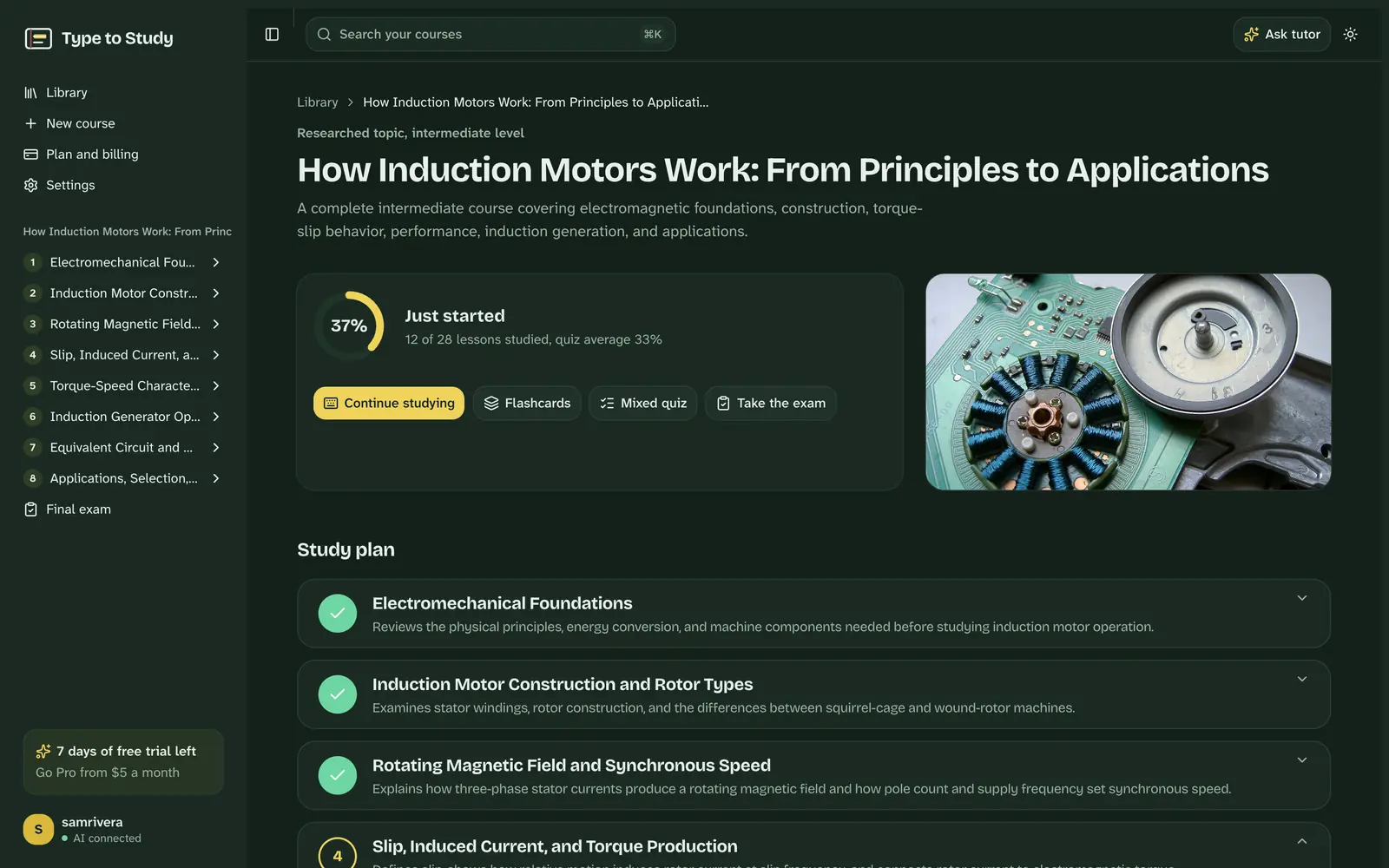
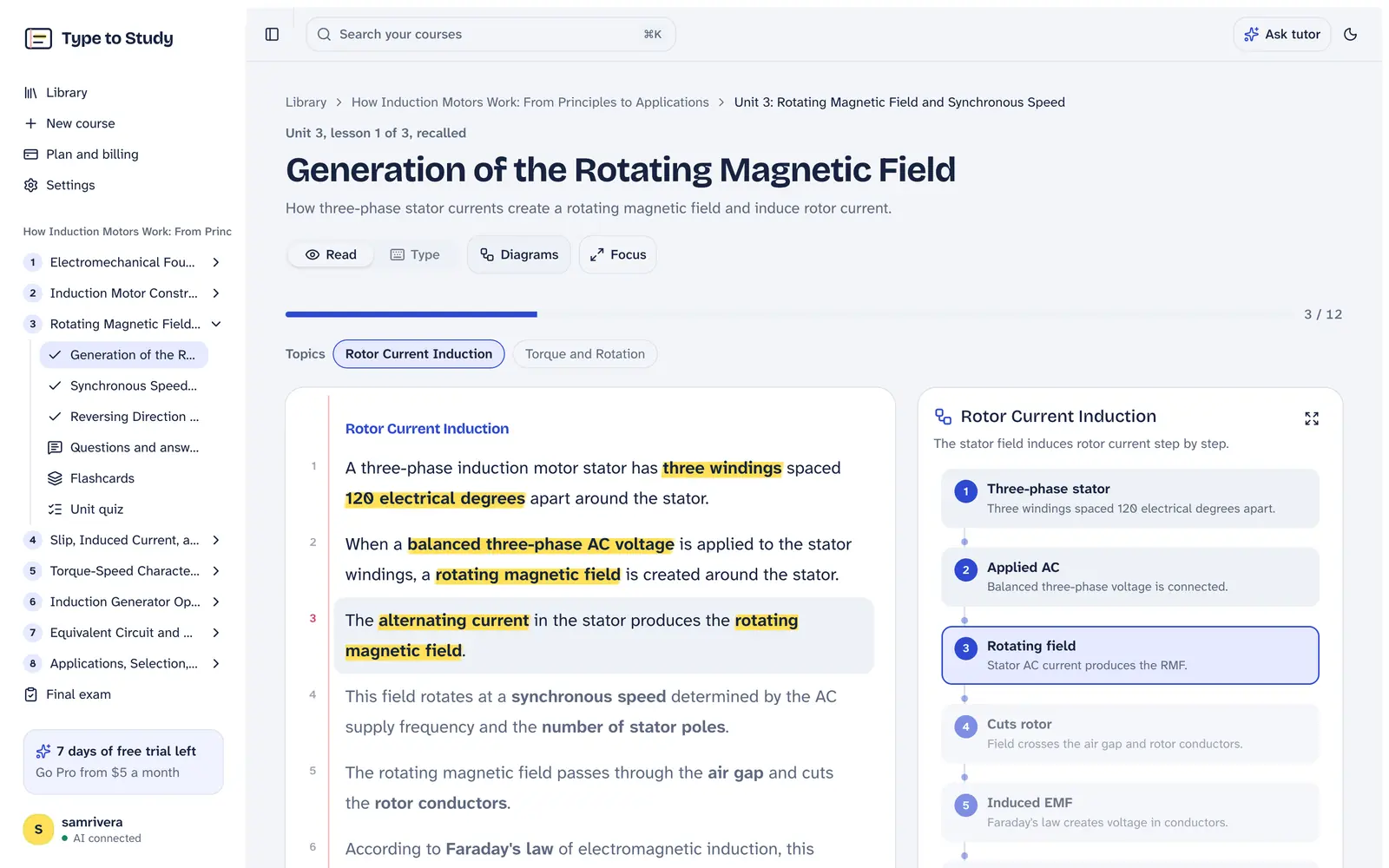
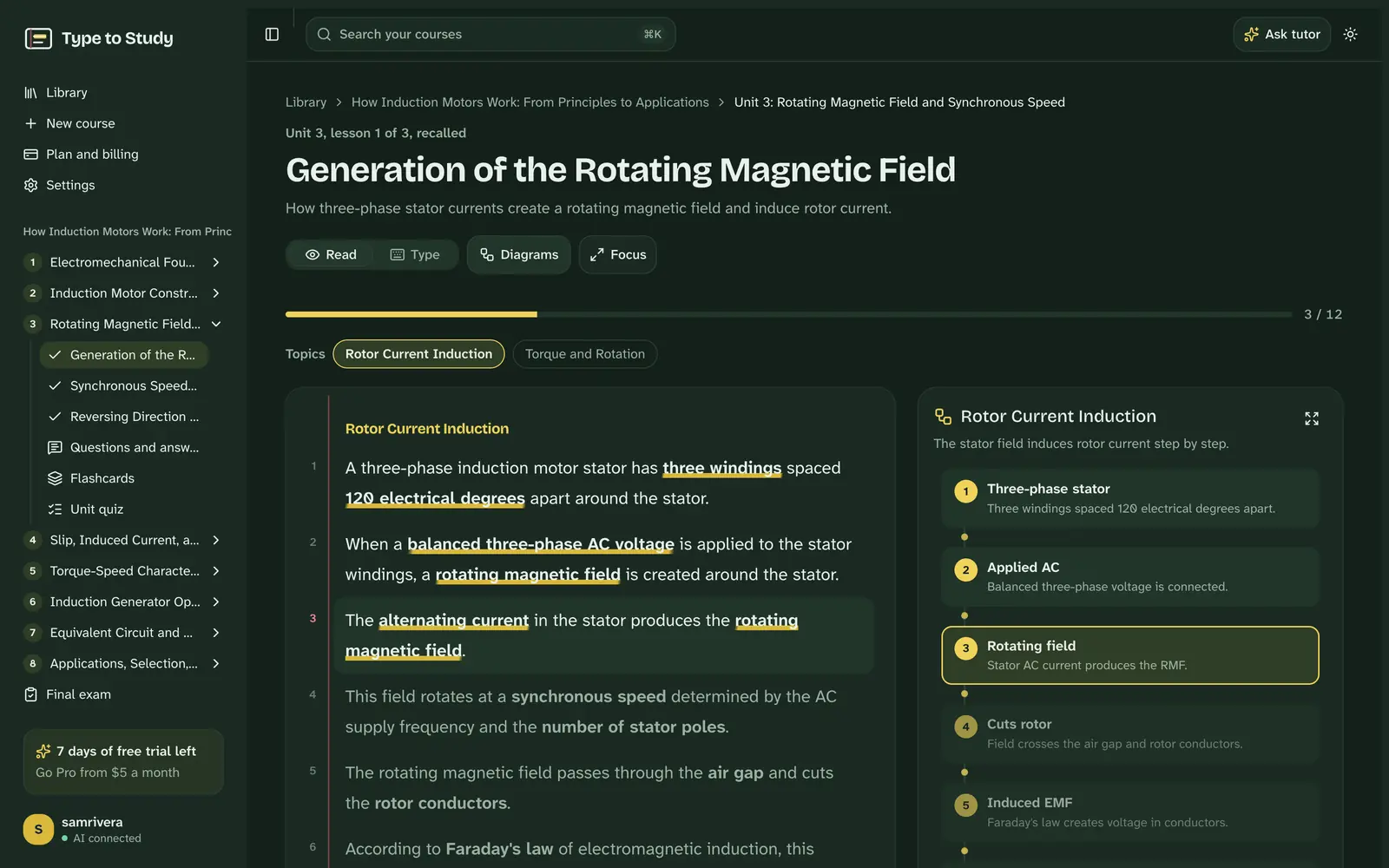
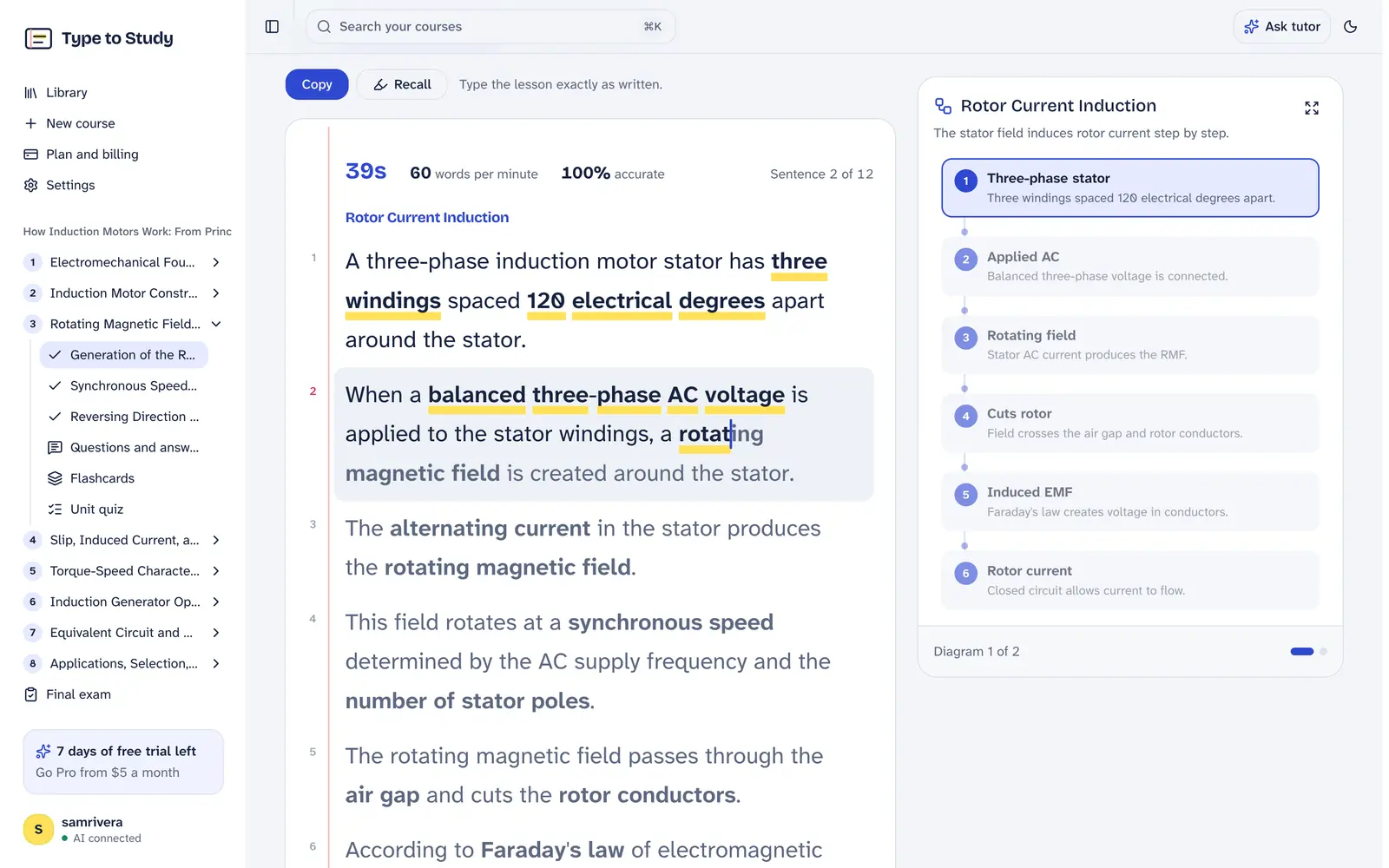
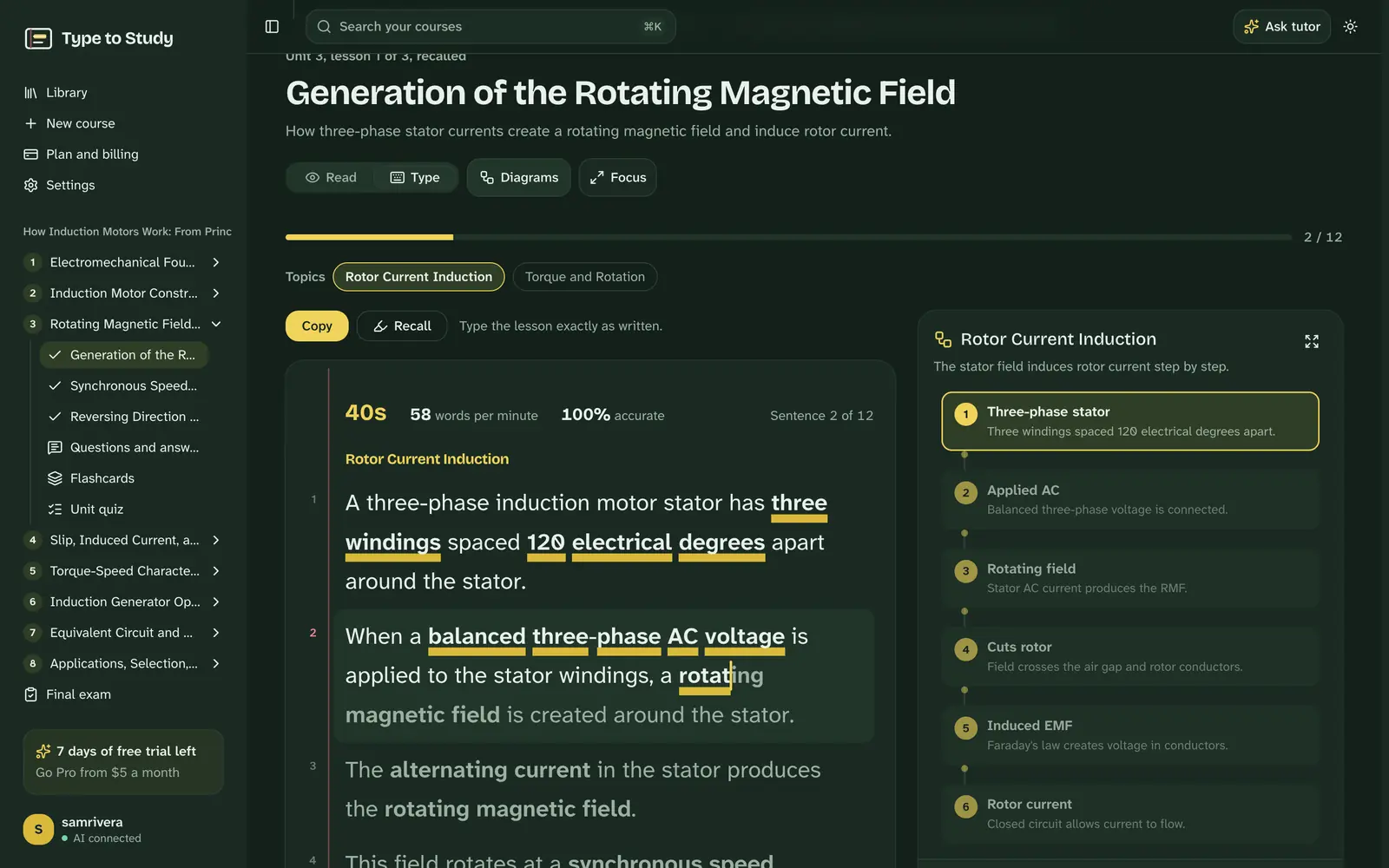
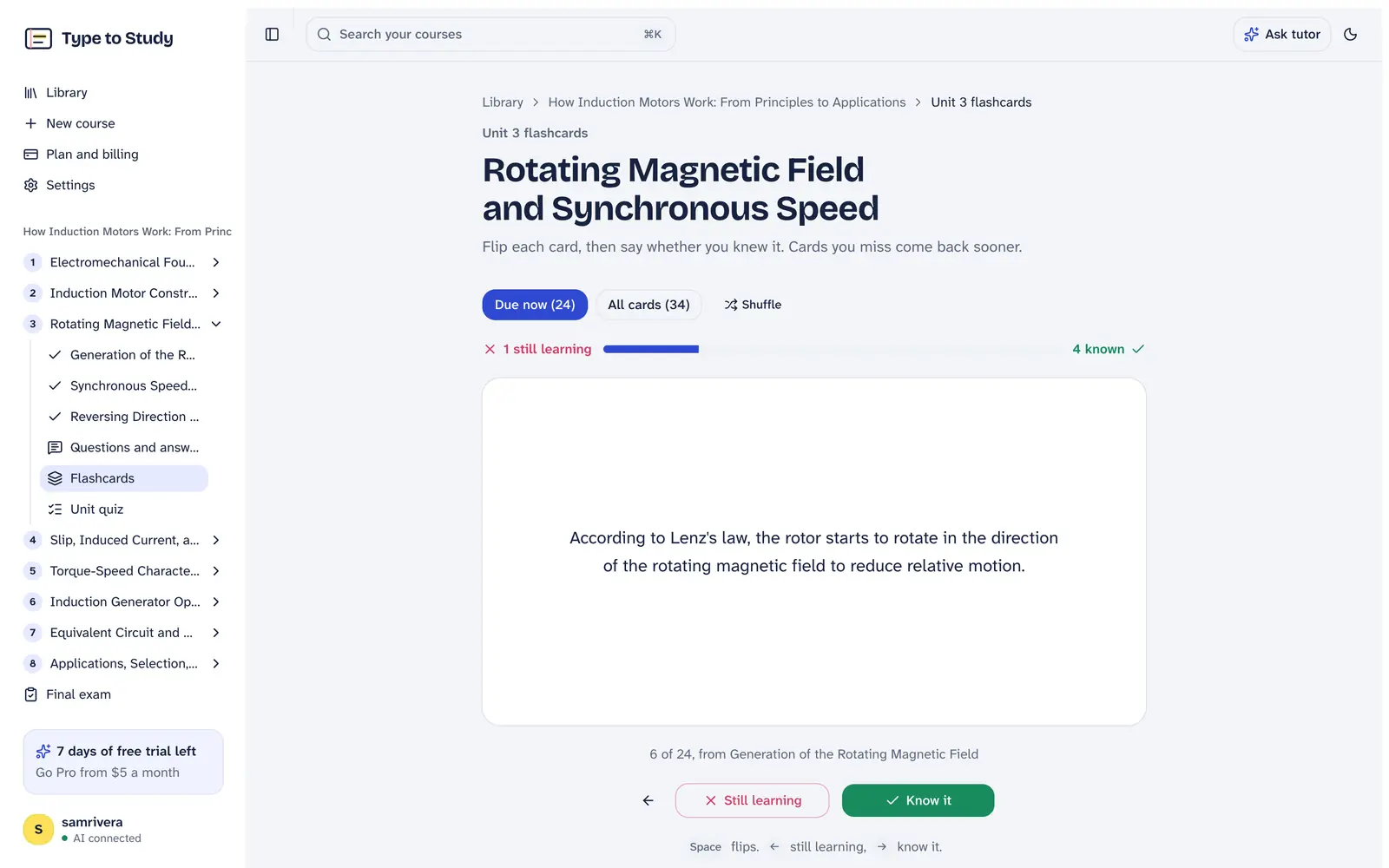
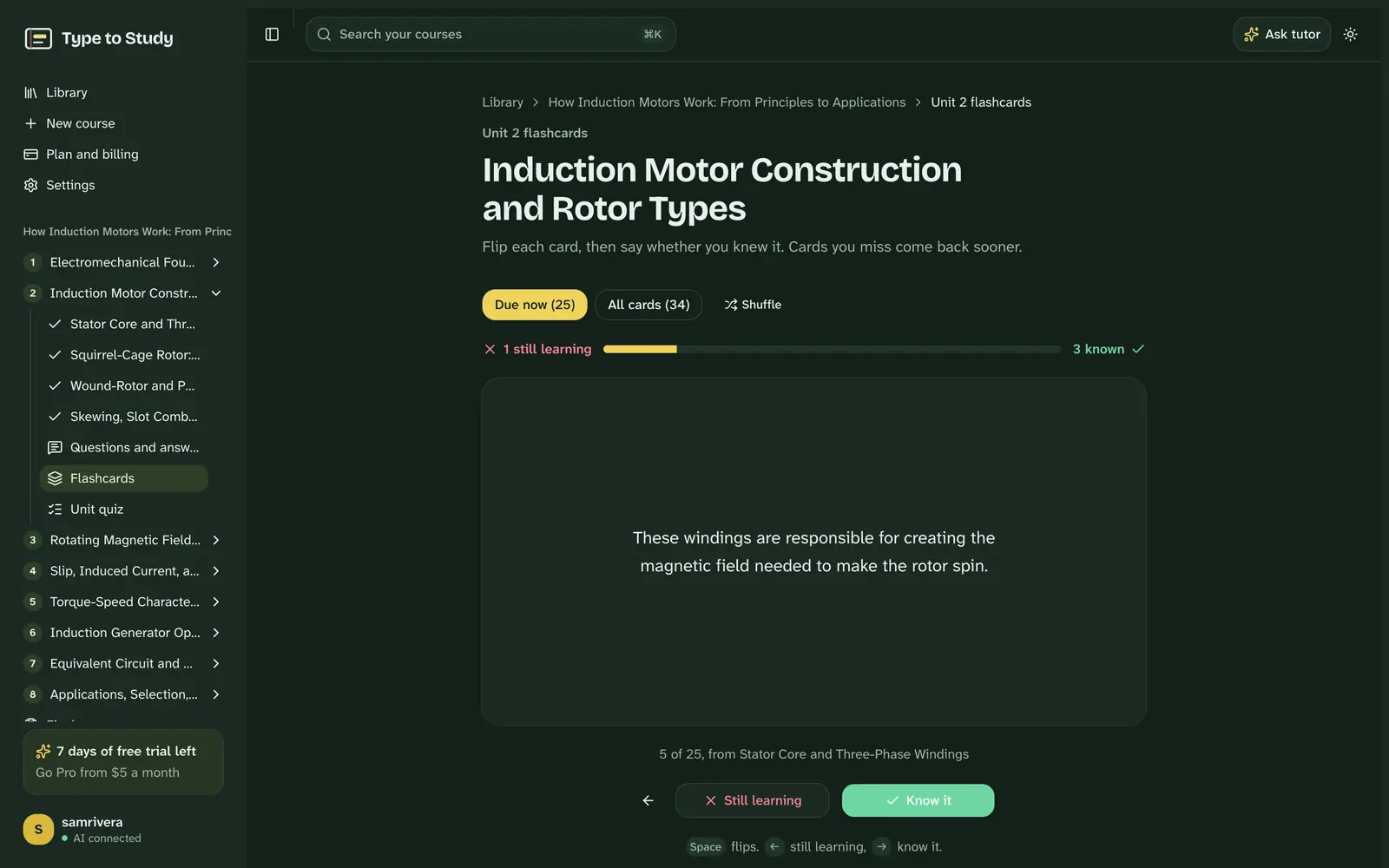
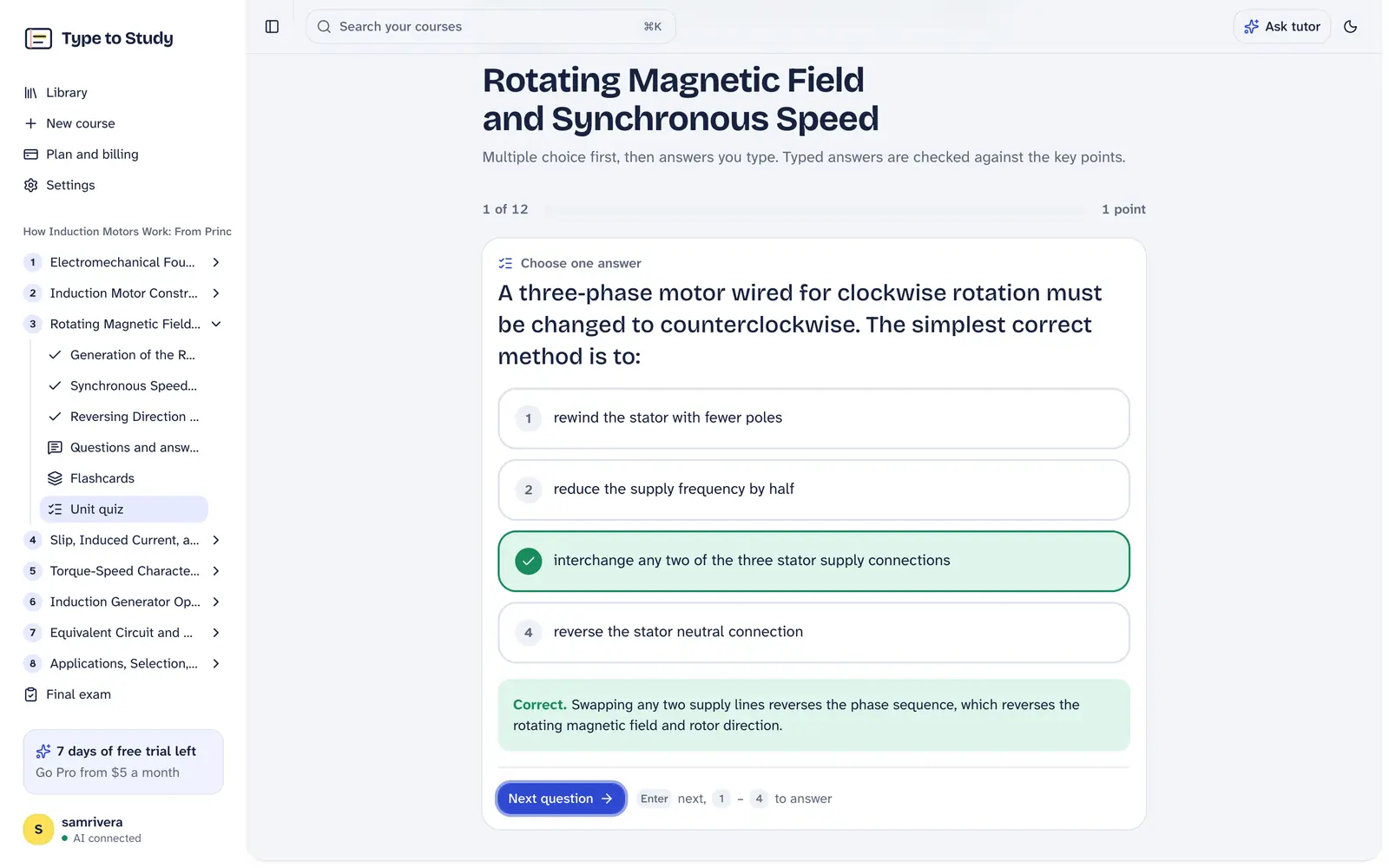
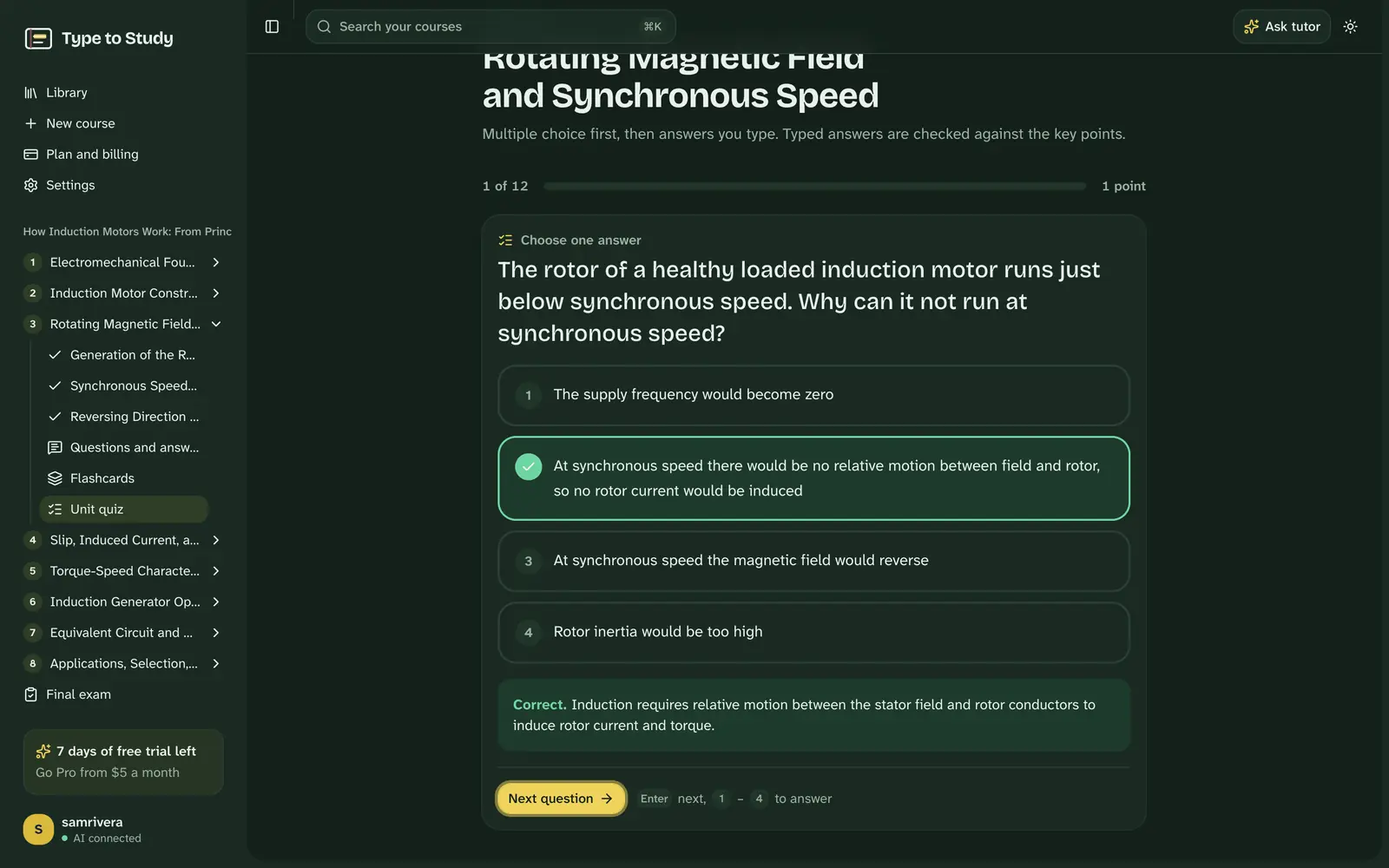
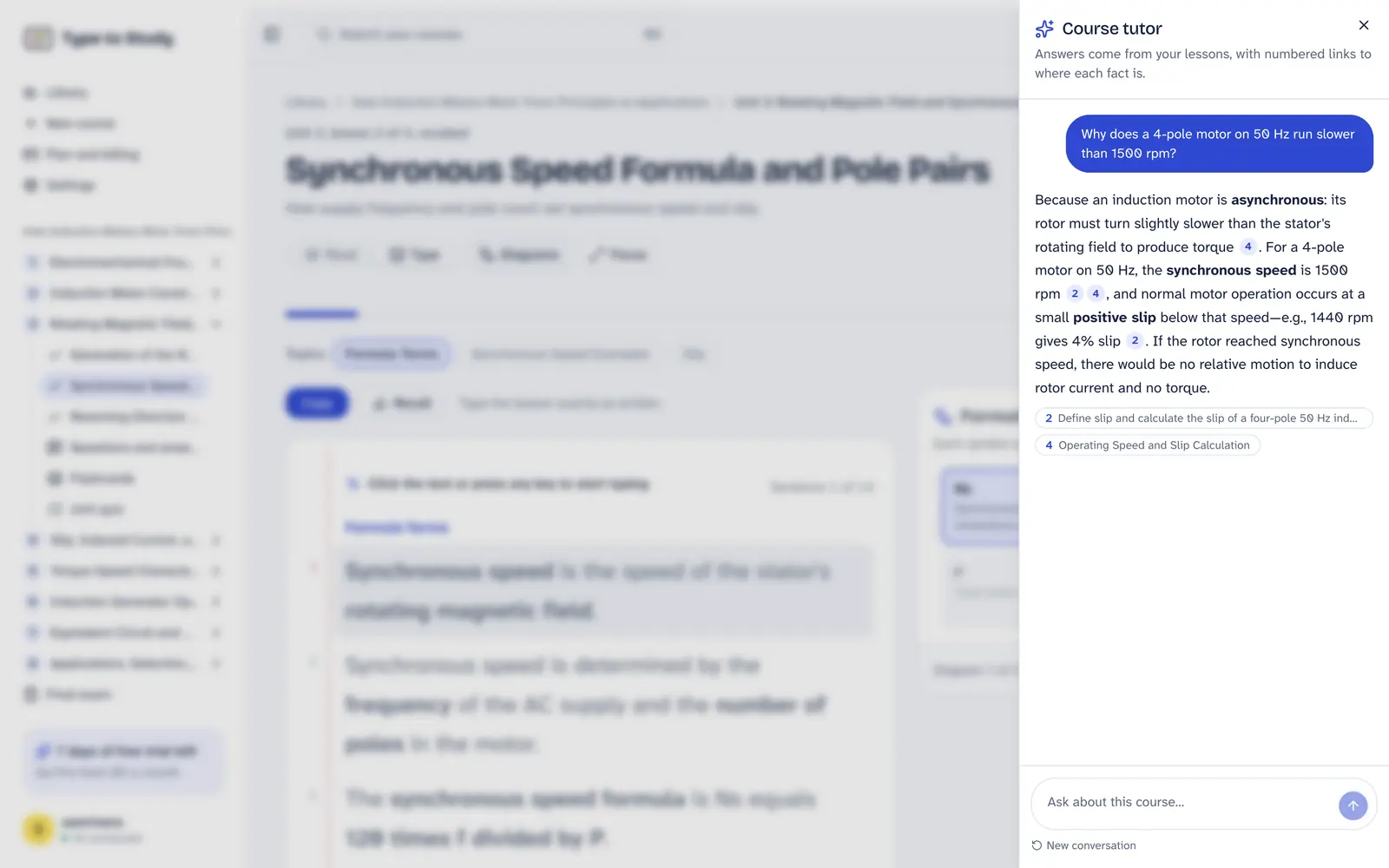
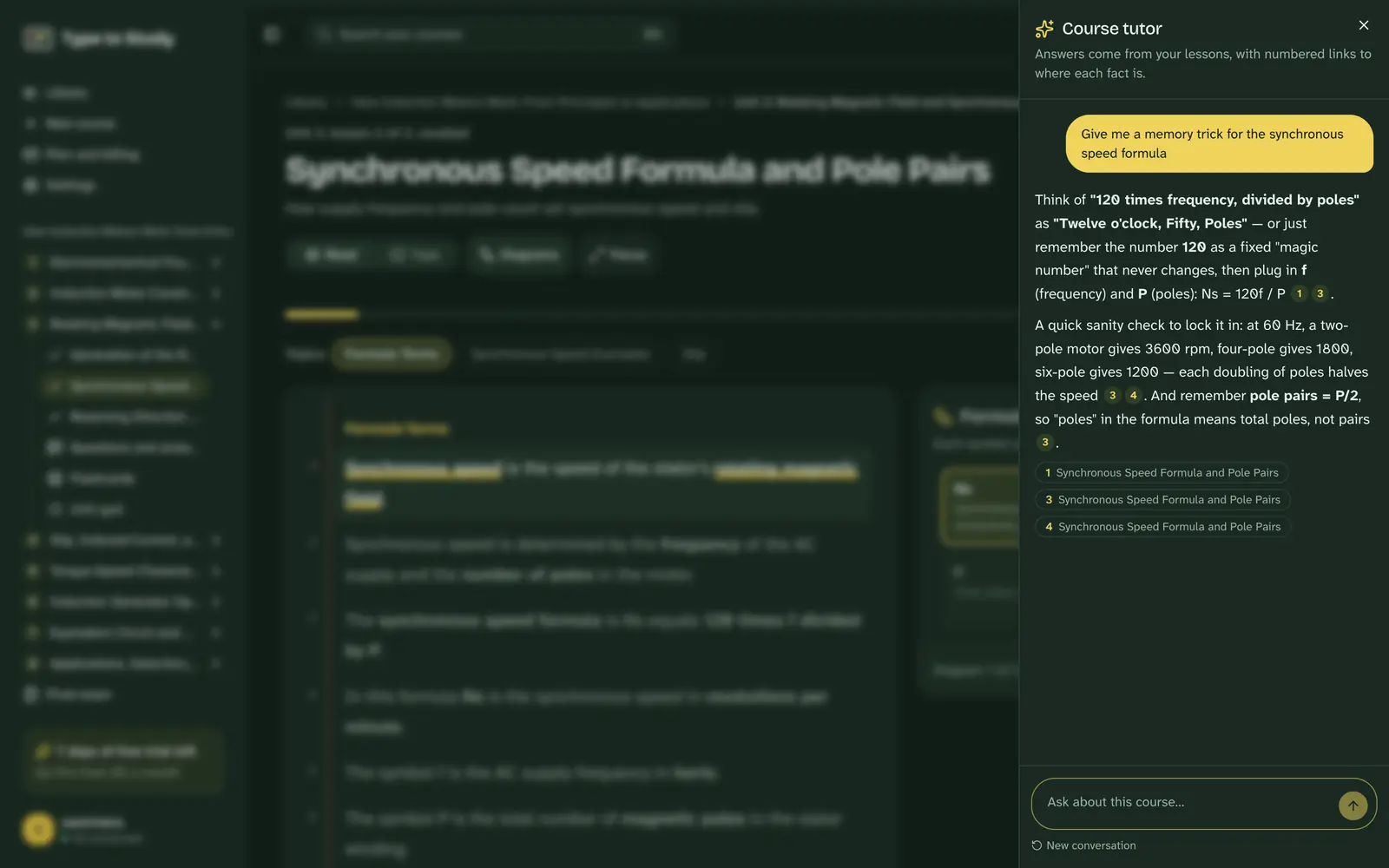
Every screen here is Type to Study itself, from a real course on induction motors: reading, typing at 60 words a minute, flashcards, a quiz and the tutor.
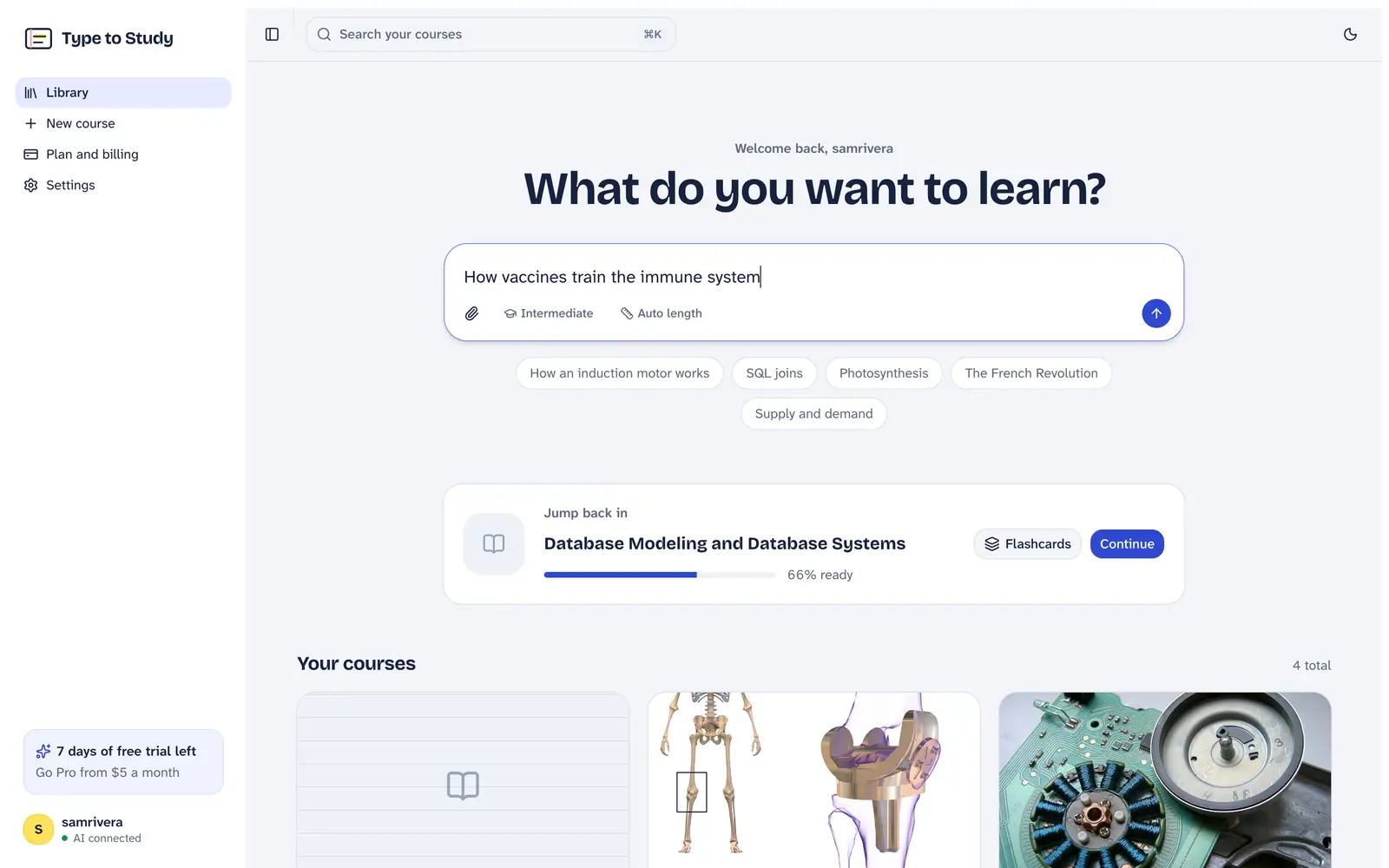
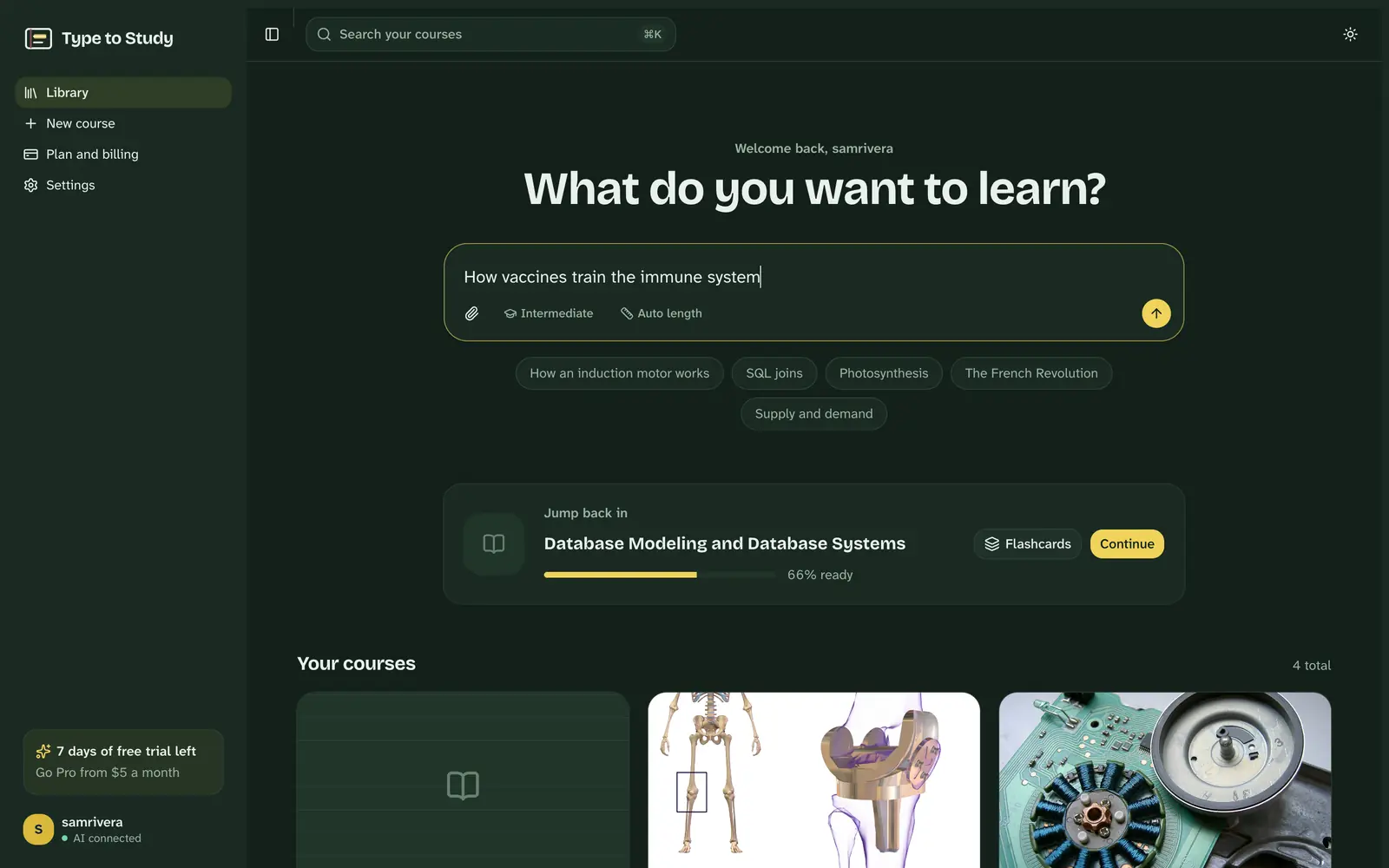
Start with a topic or your course book
Type what you want to learn, or attach your book, slides or notes. Your courses wait below, with the one to jump back into.
From a 600-page book to exam-ready
Bring what you're studying
Type a topic, or drop in your course book, slides or notes. Whole books work, and scanned pages are read with OCR.
Read it, then type it
Each lesson sits on an index card with the key terms highlighted. Type it to fix it in memory, then do a recall pass with the key terms hidden.
Prove you know it
Flashcards come back when you're about to forget them. Quizzes mix multiple choice with typed answers, and the final exam is graded like a real one.
Everything a study session needs
One place for the reading, the practice and the proof that you know it.
Your whole course book
A 600-page PDF becomes a plan that follows its own chapters. Pick the chapters your exam covers; the rest stay a click away.
Scanned pages too
Photocopies and scans are read with OCR, tables included, so nothing in your book is left out.
Researched from real sources
Topics are built from encyclopedias, articles, research papers, books and open-source projects, and every source is listed.
Typing that makes it stick
Typing a sentence makes you process every word. Recall mode hides the key terms so you produce them from memory.
Diagrams that follow along
Flowcharts and diagrams sit beside each lesson and light up the step you're reading.
Flashcards with spaced review
Every key term and exam question becomes a card. Missed cards come back tomorrow; known ones after days, then weeks.
A tutor that cites your lessons
Ask anything about your course. Answers come from your own lessons, with numbered links to where each fact is.
A graded final exam
Multiple choice plus typed answers, marked against key points, with a letter grade and the units to revise.
Built for your field
The same method, read, type, recall and test, on the material you're actually examined on.
University and college students
Upload your course book or lecture slides saved as PDF. Get lessons, flashcards and a practice final for midterms and finals.
Medical and nursing students
Turn pharmacology, anatomy and pathology PDFs into spaced-repetition cards and typed-answer quizzes for USMLE, PLAB, NEET or NCLEX prep.
Researchers and PhD students
Get up to speed on a new field. A primer built from OpenAlex papers and your own PDFs, every source listed, then a test on it.
Data analysts
Learn SQL, statistics, Excel and Python for analysis. Type queries and definitions from memory until they stick.
Professionals and certifications
CFA, ACCA, PMP, AWS or CompTIA: turn the exam guide into short daily sessions and timed practice exams.
School and A-level students
GCSE, A-levels, IB, SAT or WAEC: revise from your own textbook with recall practice and a graded mock exam.
Try it right here
No account needed. These work the way the app does: type a sentence and then recall it, flip a few flashcards, answer a quiz.
Tap or click the card and start typing. Mistakes show in red; Backspace fixes them.
Your passes
Finish the copy pass to see your speed.
How it compares
Flashcard apps help you review. Chatbots answer questions. Type to Study builds the course, makes you produce it, and grades you on it.
| Feature | Type to Study | Quizlet | Anki | NotebookLM | ChatGPT |
|---|---|---|---|---|---|
| Builds a course from your whole PDF book | Yes, with OCR for scans | Study guides from uploads | No, you write the cards | No, a notebook of sources | Only if you prompt each time |
| Spaced-repetition flashcards | Yes, made for you | Yes | Yes, advanced scheduler | Study aids vary by plan | No built-in schedule |
| Typing practice with a recall pass | Yes | No | No | No | Not built in |
| Graded final exam with typed answers | Yes, with a letter grade | Practice tests | No | No | Not built in |
| Price | 7 days free, then $10/month or $60/year | Free plan with limits | Free on desktop | Free tier, more on paid Google plans | Free plan, Plus about $20/month |
Based on each product's publicly listed features in October 2026; features change, so check their sites for the latest. Names are trademarks of their owners, who aren't affiliated with Type to Study. More comparisons
Made for what you're studying
Students before an exam, researchers entering a new field, analysts learning SQL and statistics, professionals studying for a certification.
Who it's for
- Researchers
- Data analysts
- Universities
- Teachers
- Medical students
- Nursing students
- Law students
- Engineering students
- Computer science students
- High school students
- College students
- Professionals
- Self-learners
- International students
- Doctors and residents
- PhD students
- Master's students
- Pharmacy students
- Dental students
- Physician assistant students
- Biomedical science students
- MBA students
Students everywhere
From GCSEs and A-levels to JEE, NEET, MDCAT, WAEC and the HSC, and digital exams in Finland, Norway and New Zealand: study for your own exams, in English, from your own books.
- United States
- United Kingdom
- Canada
- Australia
- India
- Pakistan
- Bangladesh
- United Arab Emirates
- Saudi Arabia
- Nigeria
- South Africa
- Germany
- Philippines
- Malaysia
- Finland
- Norway
- Denmark
- Netherlands
- Ireland
- New Zealand
- Singapore
- Egypt
- Kenya
- Jamaica
- Trinidad and Tobago
- Sweden
- Switzerland
- France
- Spain
- Italy
- Poland
- Qatar
- Kuwait
- Oman
- Jordan
- Turkey
- Ghana
- Uganda
- Tanzania
- Zimbabwe
- Zambia
- Ethiopia
- Rwanda
- Sri Lanka
- Nepal
- Indonesia
- Vietnam
- Thailand
- Hong Kong
- Japan
- South Korea
Taking an exam on a computer? Practise typing on your own subject, or check your typing speed. Planning your revision? Free study planner, flashcard maker and more.
One plan. Everything in it.
Start with a free week, no card needed. If you subscribe before it ends, you keep every free day: the first payment waits until the week is over.
Got a discount code from your school or a friend? Add it when you sign up.
$5per month
$60 billed once a year. Cancel anytime.
- Unlimited courses from topics, notes and whole course books
- OCR for scanned PDFs
- Research from papers, books, articles and open-source projects
- AI tutor that answers from your course
- Flashcards, quizzes, typed answers and graded exams
7 days free. No card needed to start.
Type to Study at a glance
- What it is
- Type to Study is an AI study app that turns a topic, your notes or a whole course book into lessons you read and type, spaced-repetition flashcards, quizzes with typed answers, an AI tutor that cites your lessons, and an AI-graded final exam.
- Who it's for
- University, college and school students, medical and nursing students, researchers and PhD students, data analysts, and professionals studying for certifications.
- What you can give it
- A topic to research, or your own files: PDF, Word (DOCX), text or Markdown, up to 5 files of 200 MB each, scanned pages included.
- What you get
- Units and lessons that follow your book's chapters, synced diagrams, typing practice with a recall pass, spaced-repetition flashcards, quizzes, an AI tutor with citations and a graded final exam.
- Where it runs
- In any modern browser on computer, tablet or phone. No install needed.
- Price
- 7 days free with no card, then $10 a month or $60 a year (USD). Group discounts for classes and universities.
- Contact
- [email protected]
Questions
What is Type to Study?
Type to Study is an AI study app that turns a topic, your notes or a whole course book into lessons you read and type, spaced-repetition flashcards, quizzes with typed answers, an AI tutor that cites your lessons, and an AI-graded final exam. It runs in the browser and is built for university, medical and research students, data analysts and professionals.
Is it really free to start?
Yes. You get 7 days with everything unlocked, and you don't add a card until you decide to subscribe.
What files can I upload?
PDF, Word (DOCX), plain text and Markdown, up to 5 files of 200 MB each. Scanned PDFs are read with OCR. For PowerPoint slides, save them as PDF first.
Can AI make flashcards from my lecture PDF?
Yes. Upload the PDF and Type to Study builds a course from it; every key term and exam question becomes a flashcard, scheduled with spaced repetition so missed cards come back sooner.
Is it good for medical exams like USMLE, PLAB or NEET?
It helps with the memorisation side: lessons from your own notes and textbooks, spaced-repetition cards and typed-answer practice. It is not a clinical question bank, so use it alongside your qbank, not instead of it.
Does it work for research papers?
Yes, as a learning tool. Type a research topic and it builds a primer from OpenAlex papers, encyclopedias and articles with every source listed, or upload papers as PDF. It is not a reference manager or a literature search engine.
Why type instead of just reading?
Typing a sentence makes you process every word, and the recall pass makes you produce the key terms yourself. Producing an answer, not rereading it, is what moves knowledge into long-term memory.
How is it different from ChatGPT or Quizlet?
ChatGPT answers questions but doesn't keep a course, a review schedule or a graded exam for you. Quizlet is built around flashcard sets. Type to Study builds the whole course from your material and adds typing recall and a graded final exam.
Is using it allowed by my university?
Type to Study makes study material from what you already have and tests you on it. It doesn't write essays or assignments. Check your institution's AI policy for anything you hand in.
Does it work on my phone?
It works in any browser on a computer, tablet or phone. There is no native iOS or Android app yet, and typing practice is best with a keyboard.
Do I keep my free days if I subscribe early?
Yes. Your first payment is taken when your free week would have ended.
Can I cancel?
Anytime, in two clicks from your billing page. You keep Pro until the end of the period you've paid for.
Is my material private?
Your courses are visible only to you. Your files are used to build your course and nothing else. See the privacy page for details.
Do universities or classes get a discount?
Yes. Write to [email protected] for a group discount code for your class, society or university.
Something else? Write to [email protected].
From the blog
All articlesBest AI tools for medical students in 2026
The best AI tools for medical students in 2026, sorted by job: question banks, flashcards, turning your notes into study material, clinical reference and general chatbots. What each is good at and where it falls short.
AI tools for doctors studying for postgraduate exams
How working doctors can use AI tools to prepare for MRCP, MRCS, FCPS, NEET PG and USMLE Step 2 and 3 around shifts: question banks, flashcards, notes-to-lessons tools and chatbots, with a weekly plan.
Best AI tools for PhD students and researchers
Which AI tools PhD students and researchers should use for what: Semantic Scholar and Consensus to find evidence, ResearchRabbit to map citations, Elicit to extract data, Zotero to manage references, NotebookLM to question sources, and Type to Study to learn a new field.
Study smarter, once a month
One short letter with study techniques that work, and what's new in Type to Study.