Read it.
Type it.
Remember it.
Type to Study turns any topic, your notes or a whole course book into lessons you read and type, with flashcards, quizzes and a graded exam.
7 days free. No card needed. Then from $5 a month.
The real app, not a mock-up
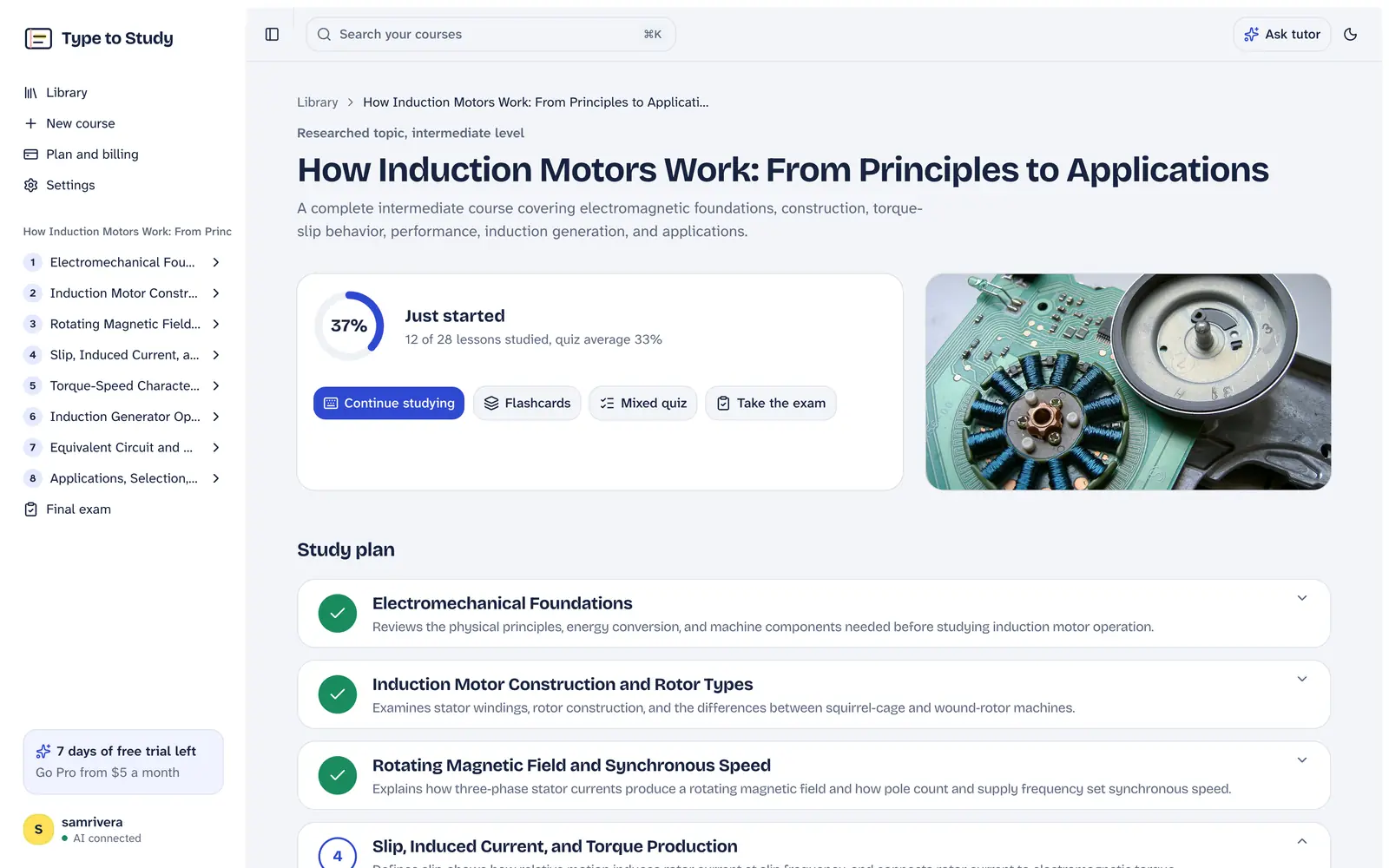
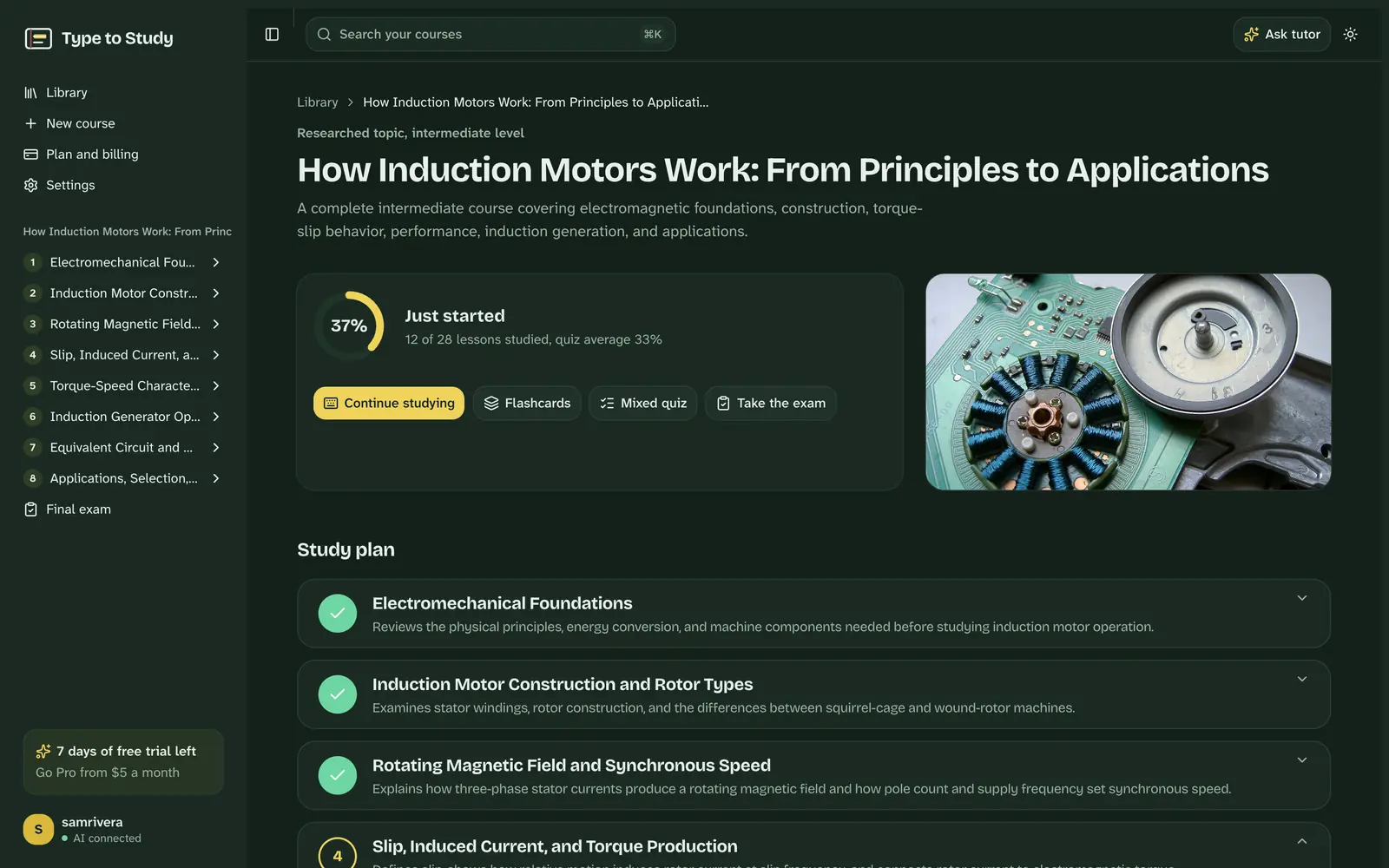
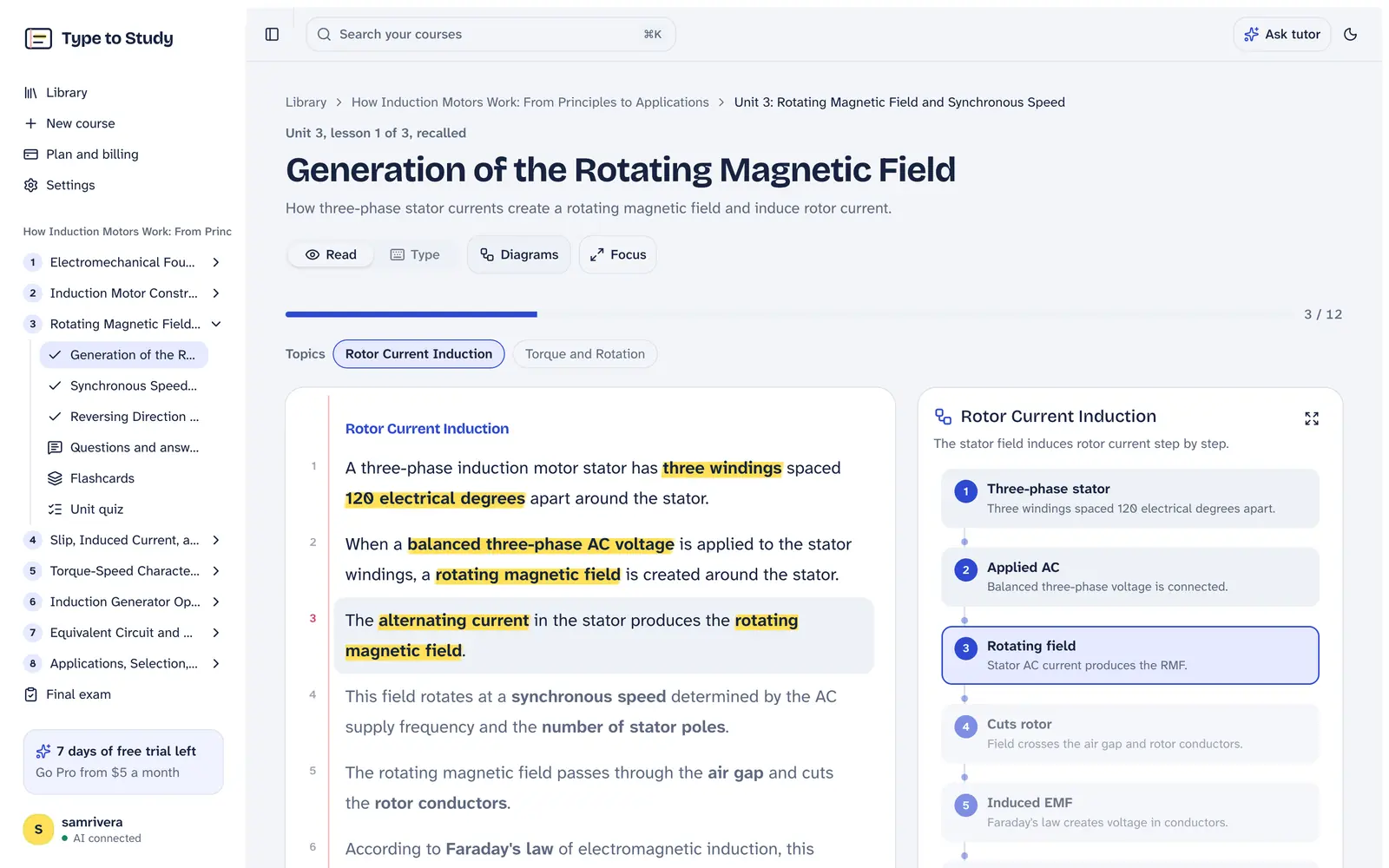
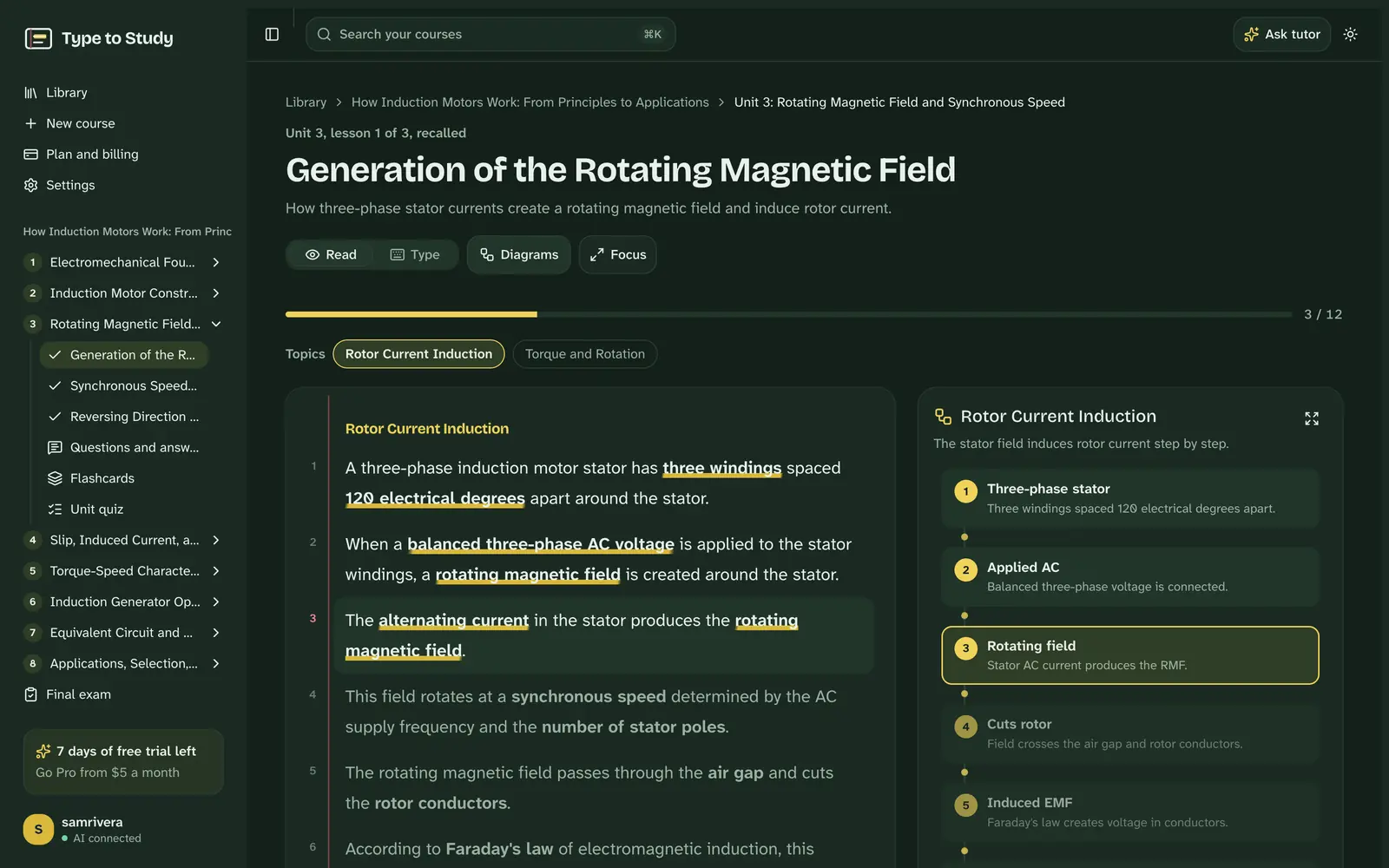
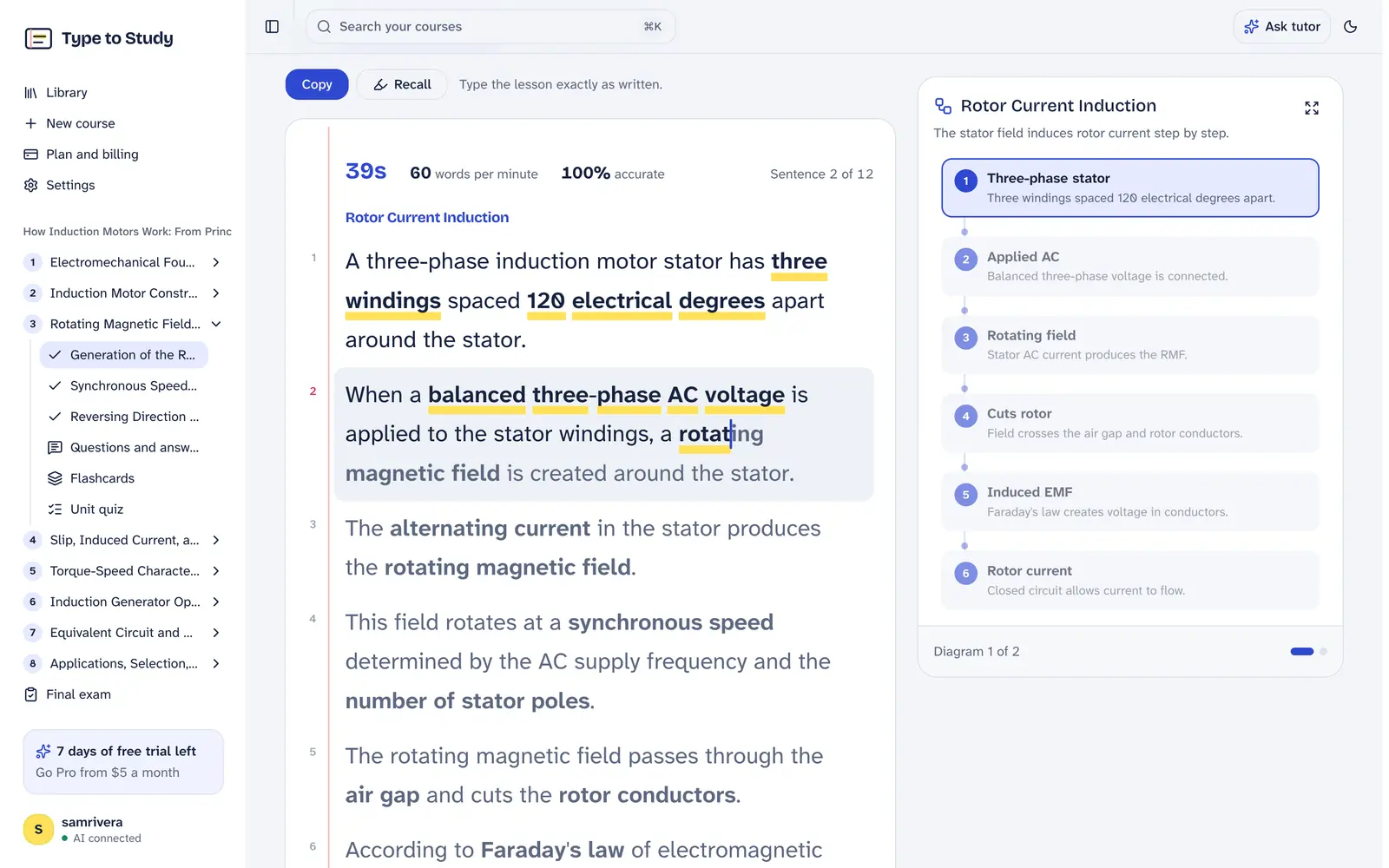
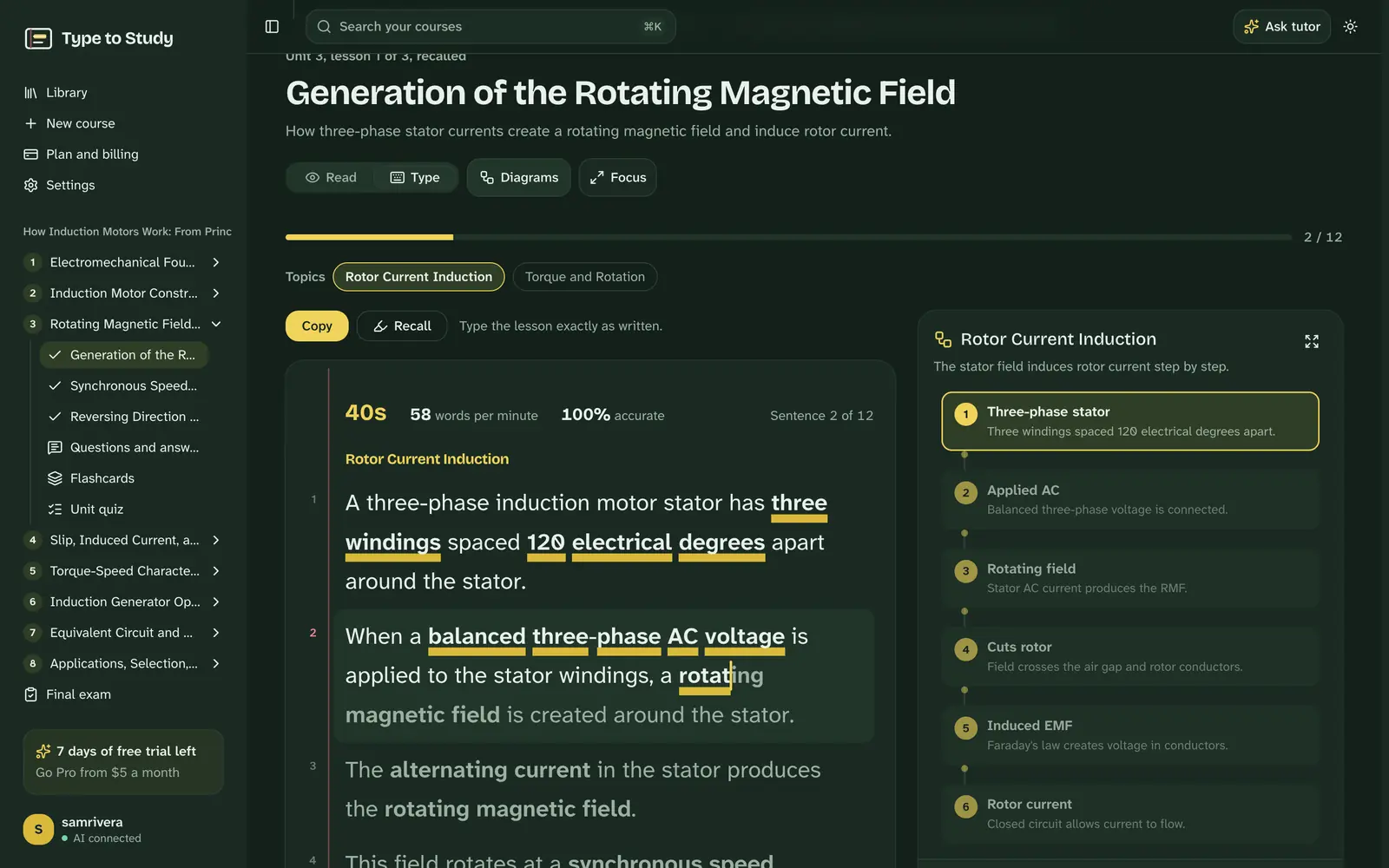
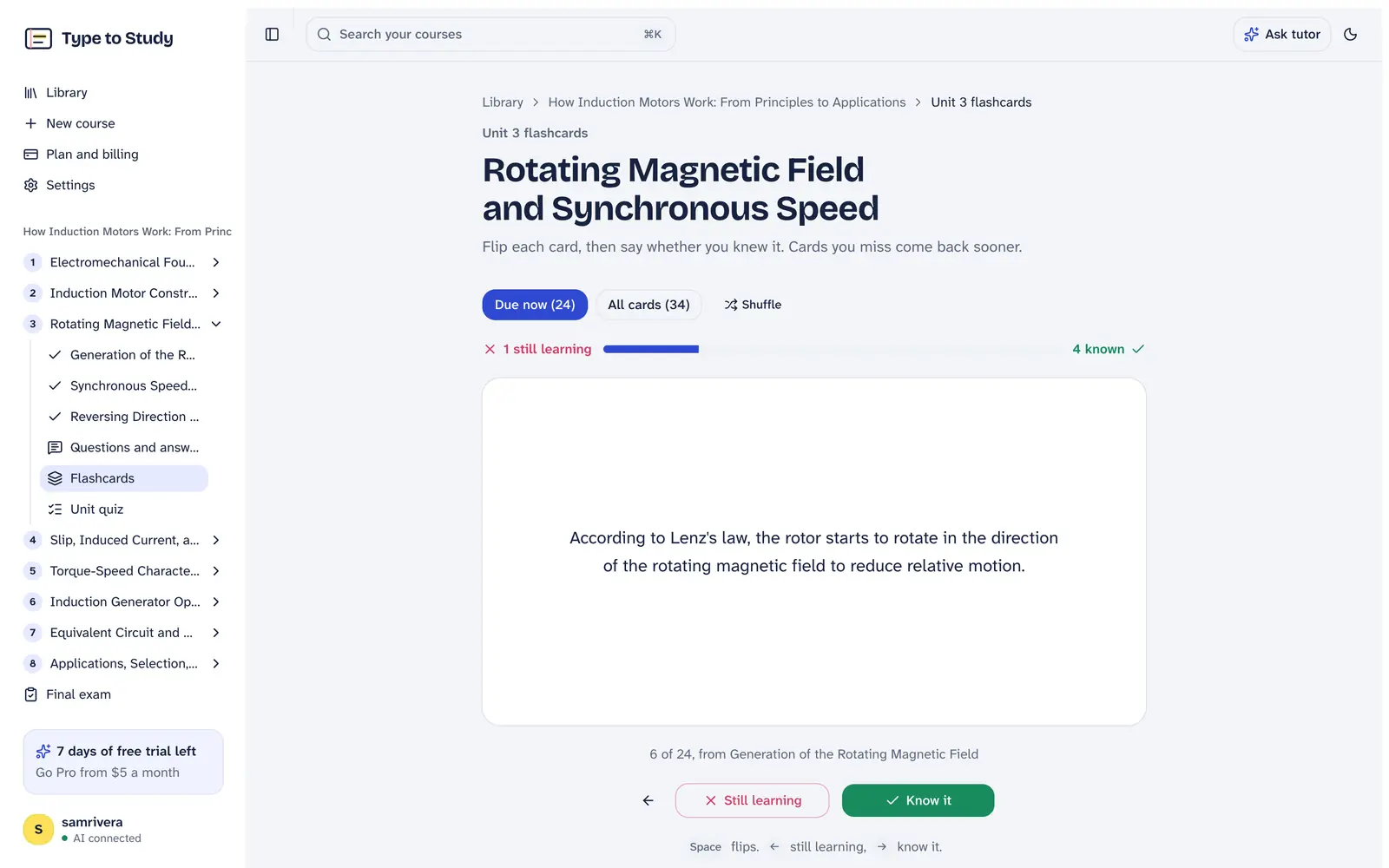
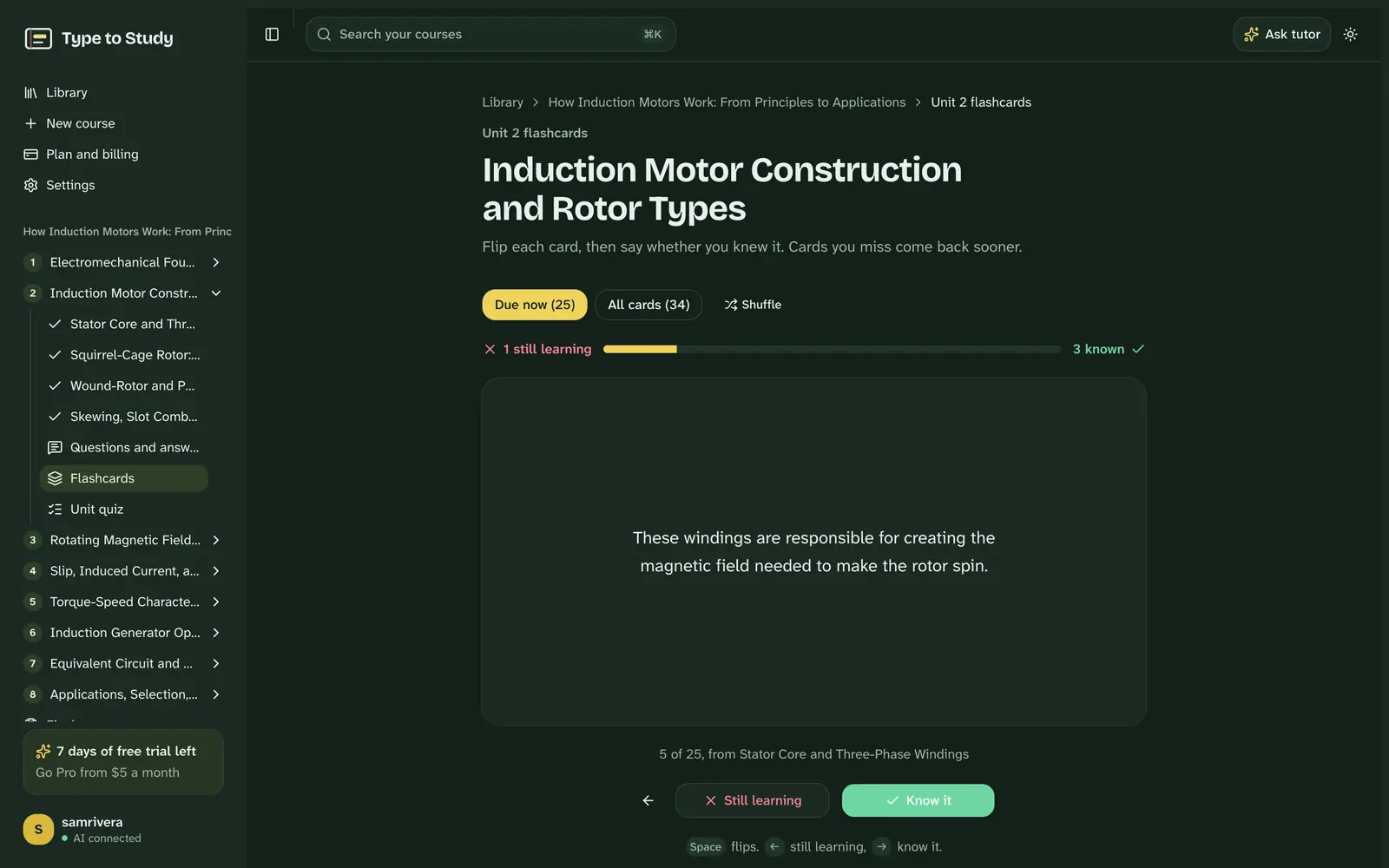
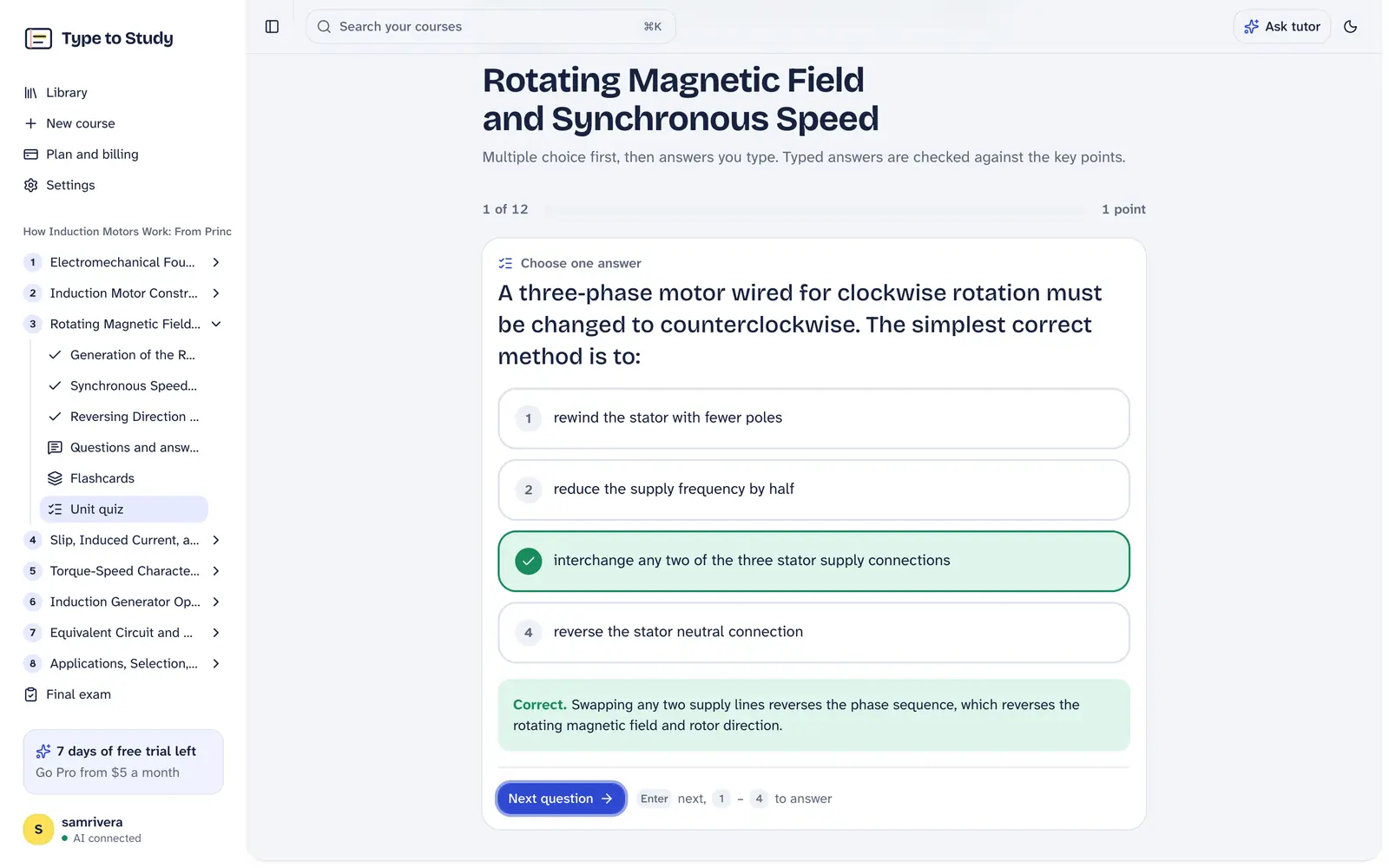
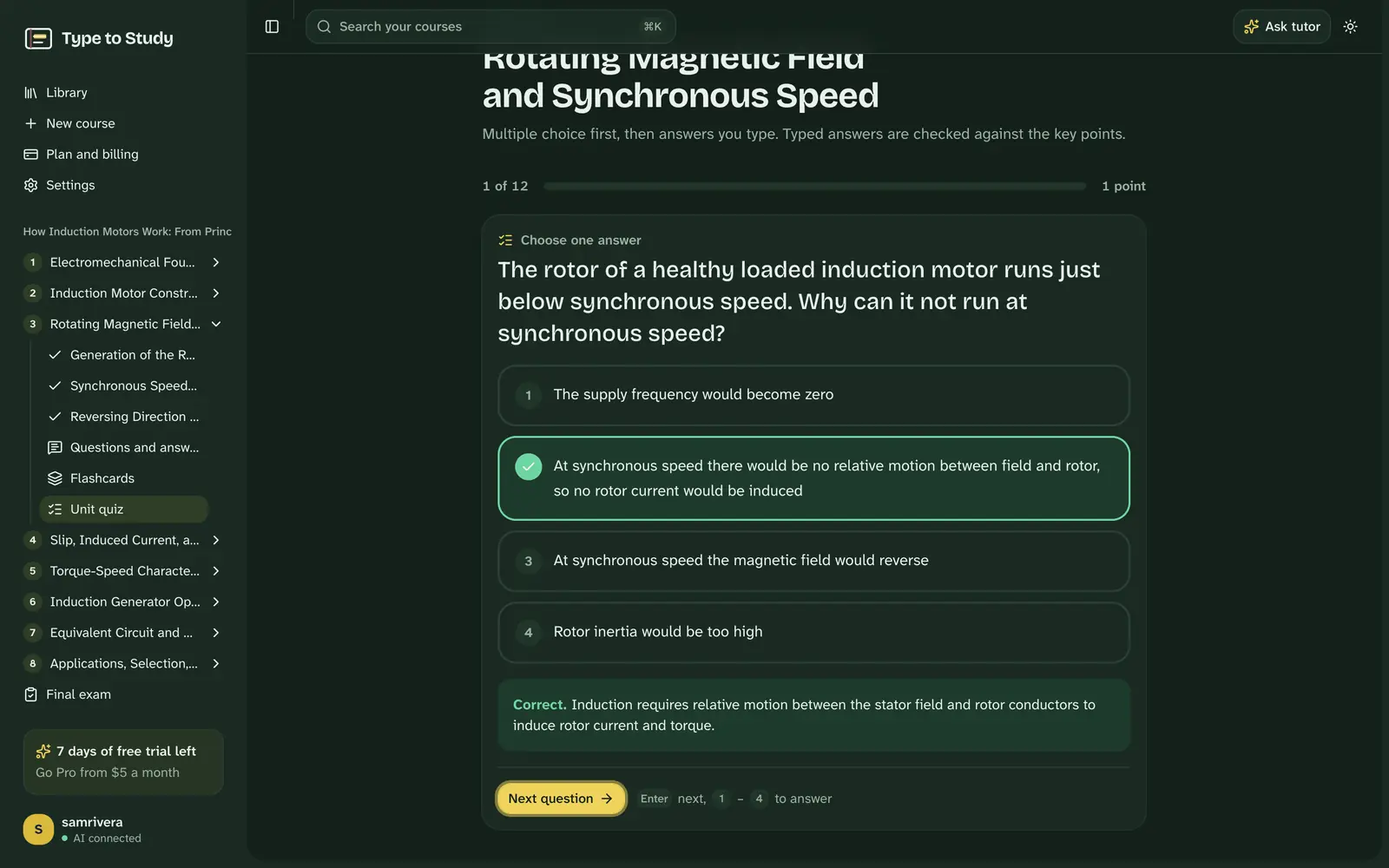
Every screen here is Type to Study itself, from a real course on induction motors: reading, typing at 60 words a minute, flashcards, a quiz and the tutor.
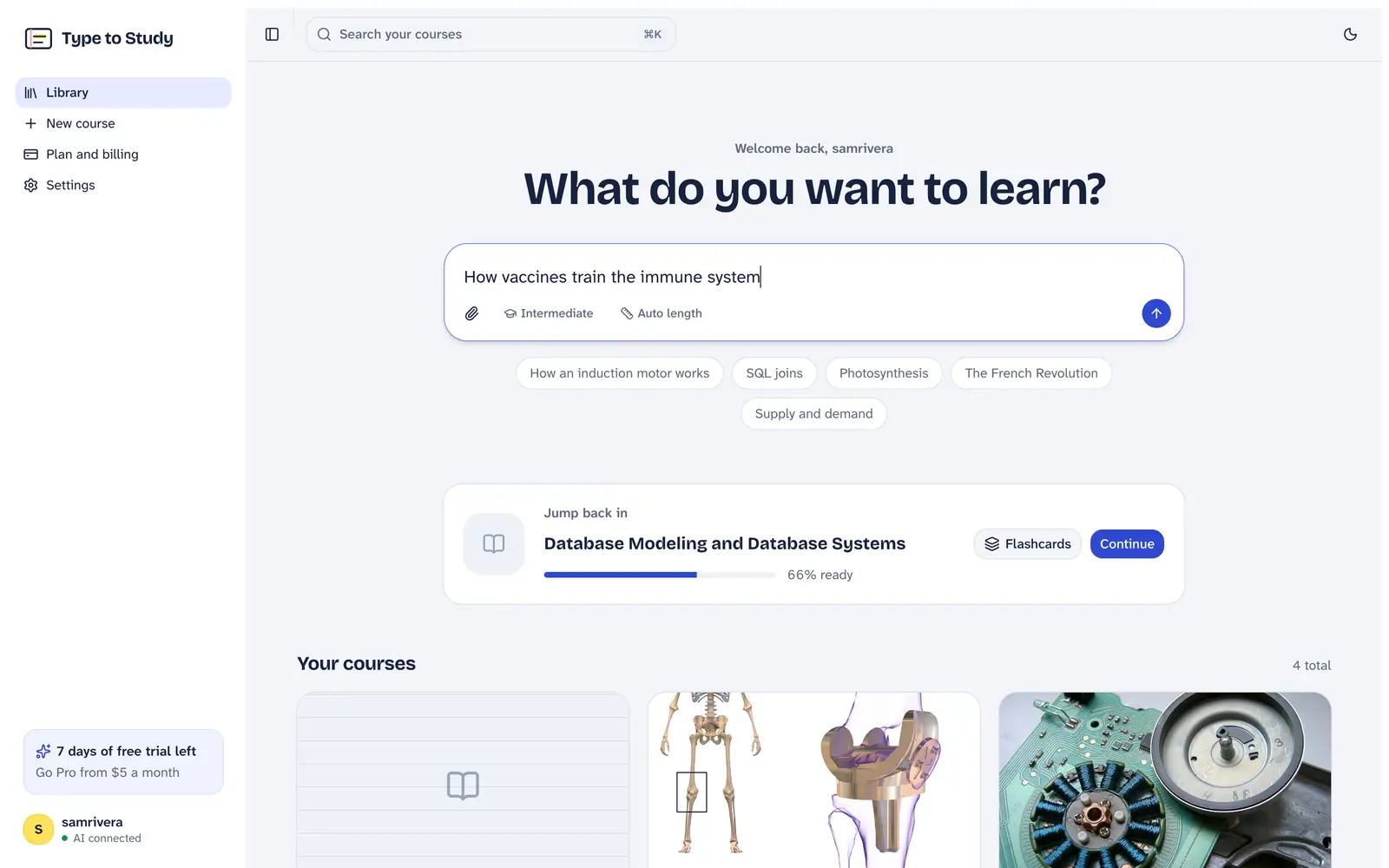
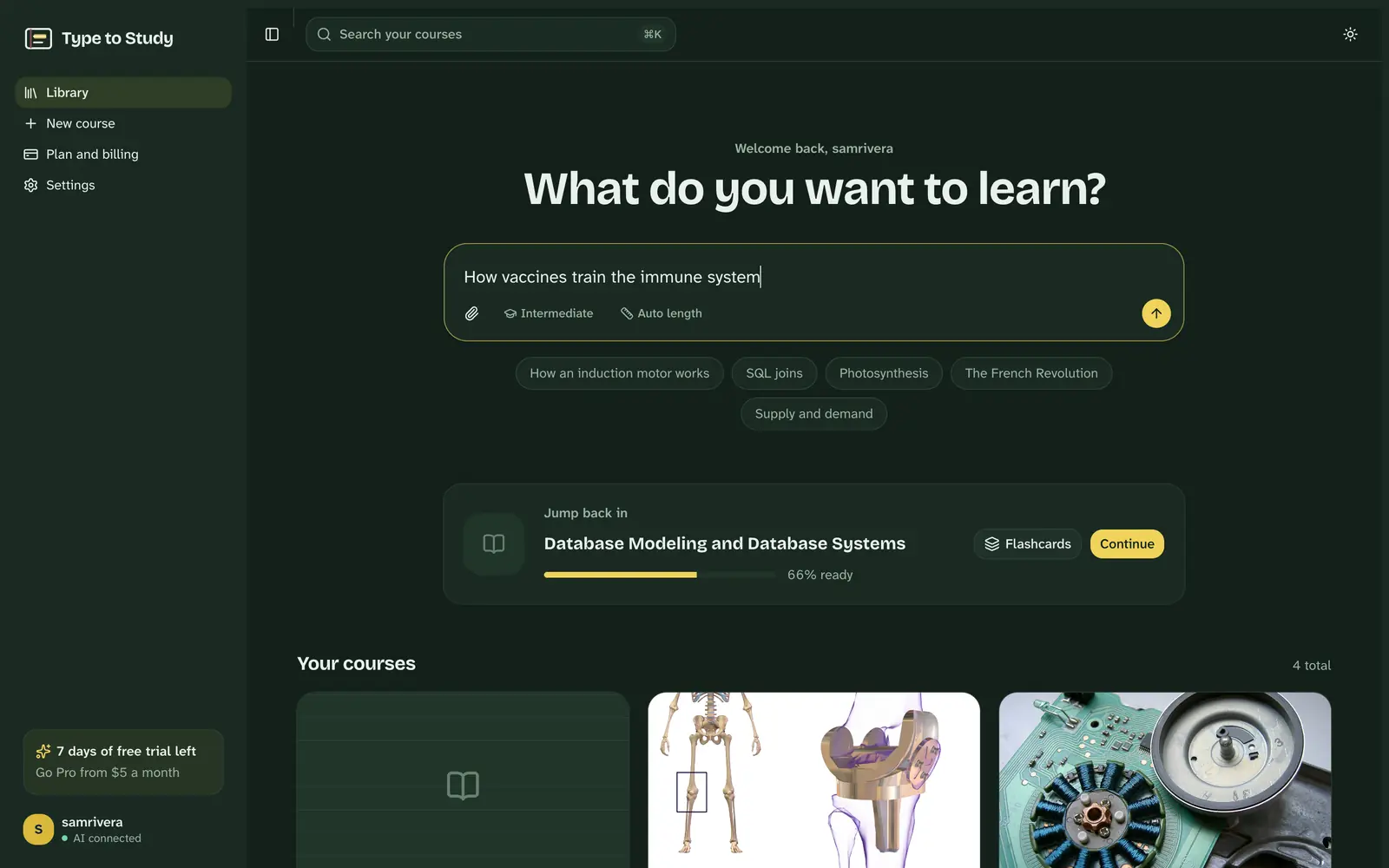
Start with a topic or your course book
Type what you want to learn, or attach your book, slides or notes. Your courses wait below, with the one to jump back into.
From a 600-page book to exam-ready
Bring what you're studying
Type a topic, or drop in your course book, slides or notes. Whole books work, and scanned pages are read with OCR.
Read it, then type it
Each lesson sits on an index card with the key terms highlighted. Type it to fix it in memory, then do a recall pass with the key terms hidden.
Prove you know it
Flashcards come back when you're about to forget them. Quizzes mix multiple choice with typed answers, and the final exam is graded like a real one.
Everything a study session needs
One place for the reading, the practice and the proof that you know it.
Your whole course book
A 600-page PDF becomes a plan that follows its own chapters. Pick the chapters your exam covers; the rest stay a click away.
Scanned pages too
Photocopies and scans are read with OCR, tables included, so nothing in your book is left out.
Researched from real sources
Topics are built from encyclopedias, articles, research papers, books and open-source projects, and every source is listed.
Typing that makes it stick
Typing a sentence makes you process every word. Recall mode hides the key terms so you produce them from memory.
Diagrams that follow along
Flowcharts and diagrams sit beside each lesson and light up the step you're reading.
Flashcards with spaced review
Every key term and exam question becomes a card. Missed cards come back tomorrow; known ones after days, then weeks.
A tutor that cites your lessons
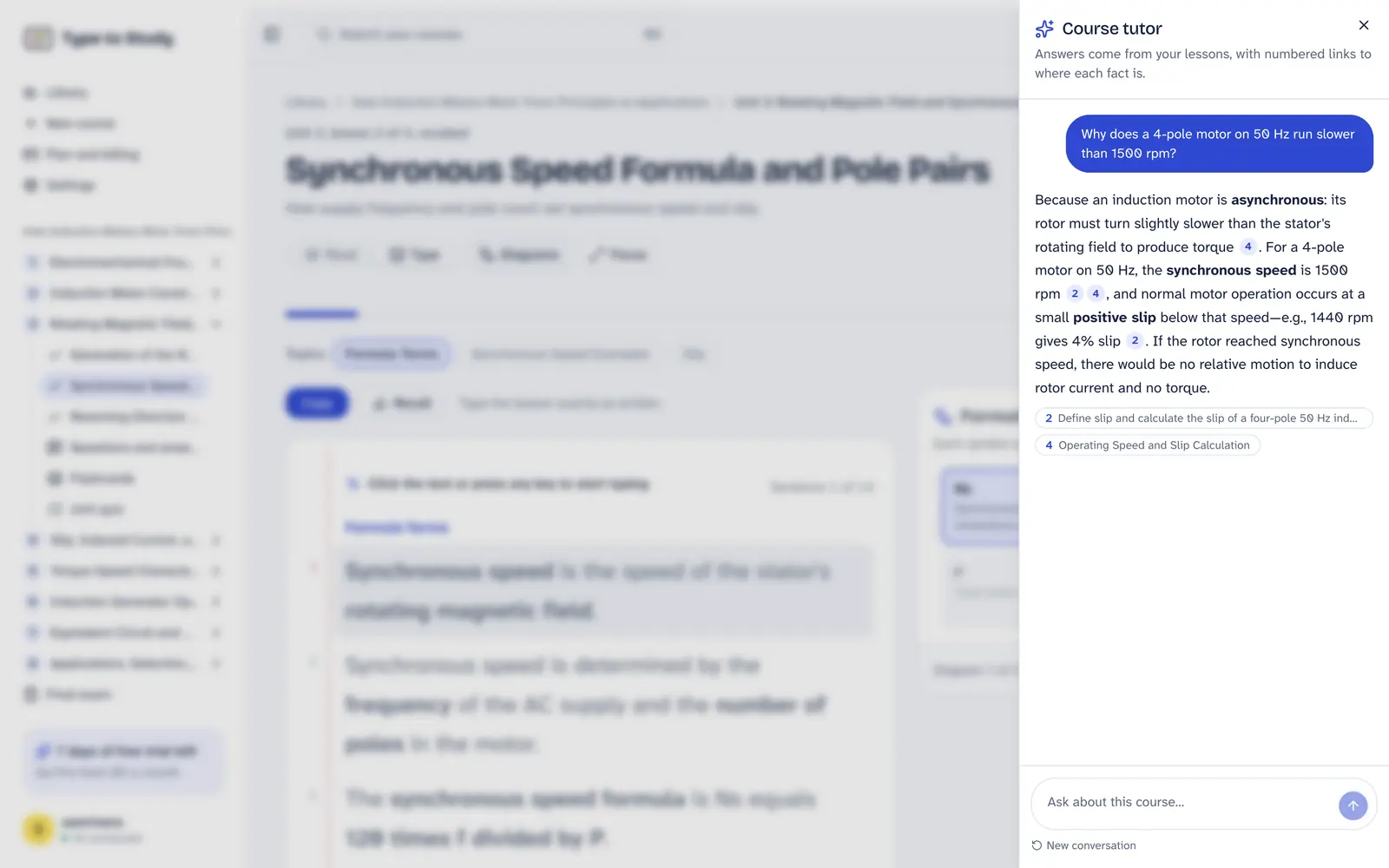
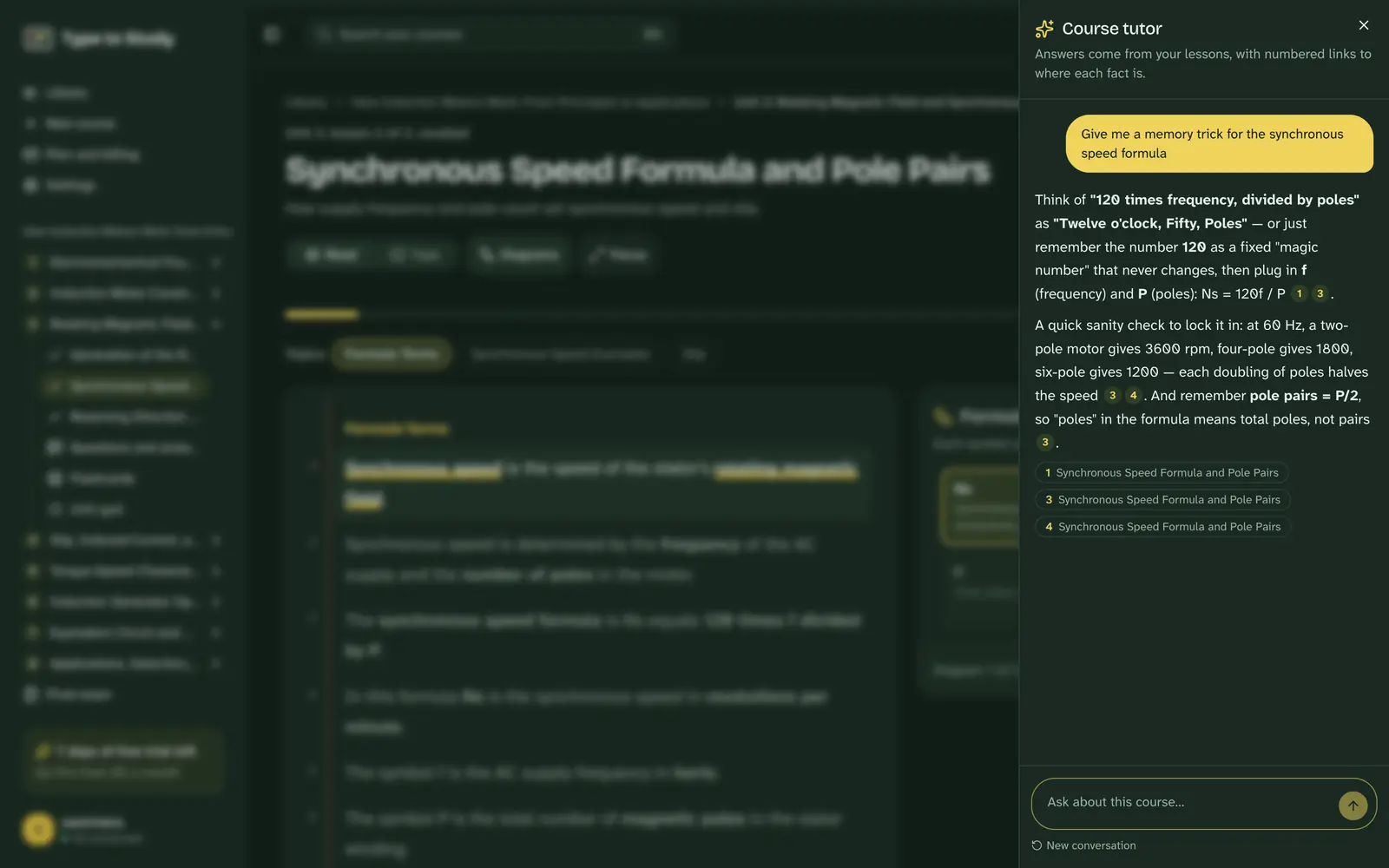
Ask anything about your course. Answers come from your own lessons, with numbered links to where each fact is.
A graded final exam
Multiple choice plus typed answers, marked against key points, with a letter grade and the units to revise.
Try it right here
No account needed. These work the way the app does: type a sentence and then recall it, flip a few flashcards, answer a quiz.
Tap or click the card and start typing. Mistakes show in red; Backspace fixes them.
Your passes
Finish the copy pass to see your speed.
Made for what you're studying
Students before an exam, researchers entering a new field, analysts learning SQL and statistics, professionals studying for a certification.
Students everywhere
From GCSEs and A-levels to JEE, NEET, MDCAT, WAEC and the HSC, and digital exams in Finland, Norway and New Zealand: study for your own exams, in English, from your own books.
- United States
- United Kingdom
- Canada
- Australia
- India
- Pakistan
- Bangladesh
- United Arab Emirates
- Saudi Arabia
- Nigeria
- South Africa
- Germany
- Philippines
- Malaysia
- Finland
- Norway
- Denmark
- Netherlands
- Ireland
- New Zealand
- Singapore
- Egypt
- Kenya
- Jamaica
- Trinidad and Tobago
- Sweden
- Switzerland
- France
- Spain
- Italy
- Poland
- Qatar
- Kuwait
- Oman
- Jordan
- Turkey
- Ghana
- Uganda
- Tanzania
- Zimbabwe
- Zambia
- Ethiopia
- Rwanda
- Sri Lanka
- Nepal
- Indonesia
- Vietnam
- Thailand
- Hong Kong
- Japan
- South Korea
Taking an exam on a computer? Practise typing on your own subject, or check your typing speed.
One plan. Everything in it.
Start with a free week, no card needed. If you subscribe before it ends, you keep every free day: the first payment waits until the week is over.
Got a discount code from your school or a friend? Add it when you sign up.
$5per month
$60 billed once a year. Cancel anytime.
- Unlimited courses from topics, notes and whole course books
- OCR for scanned PDFs
- Research from papers, books, articles and open-source projects
- AI tutor that answers from your course
- Flashcards, quizzes, typed answers and graded exams
7 days free. No card needed to start.
Questions
Something else? Write to [email protected].
From the blog
All articlesHow to study for medical school exams: a system for huge content
How to study for medical school exams: triage the content, use question banks and spaced flashcards, review daily and build a weekly schedule that survives large volumes.
How to study a new field fast: a method for researchers and career changers
How to learn a new field quickly: map the territory, find core texts, learn the vocabulary, test yourself and talk to practitioners. A practical method for researchers and professionals switching fields.
Why typing what you study helps you remember it
Rereading feels productive but fades fast. Here's what memory research says about producing information yourself, and how to use typing to study without falling into the copy trap.
Study smarter, once a month
One short letter with study techniques that work, and what's new in Type to Study.